Desktop file transfer app for computers and supported NAS devices.
Install the WarpSend Agent on the devices that hold your files. You can then send, receive, and sync folders, with progress saved if a connection is interrupted.
Choose the installer for your device.
Choose your platform and begin sending, receiving, and syncing large files.
Windows
For Windows 10 and later, on x64 and Arm64 Windows Arm64 installer (.msi · 23.9 MB)
Download .msiConnect the device after installation.
In the desktop app, choose Link device. On a server without a desktop interface, run
warpsend pair. Enter the displayed code on the
device authorization page
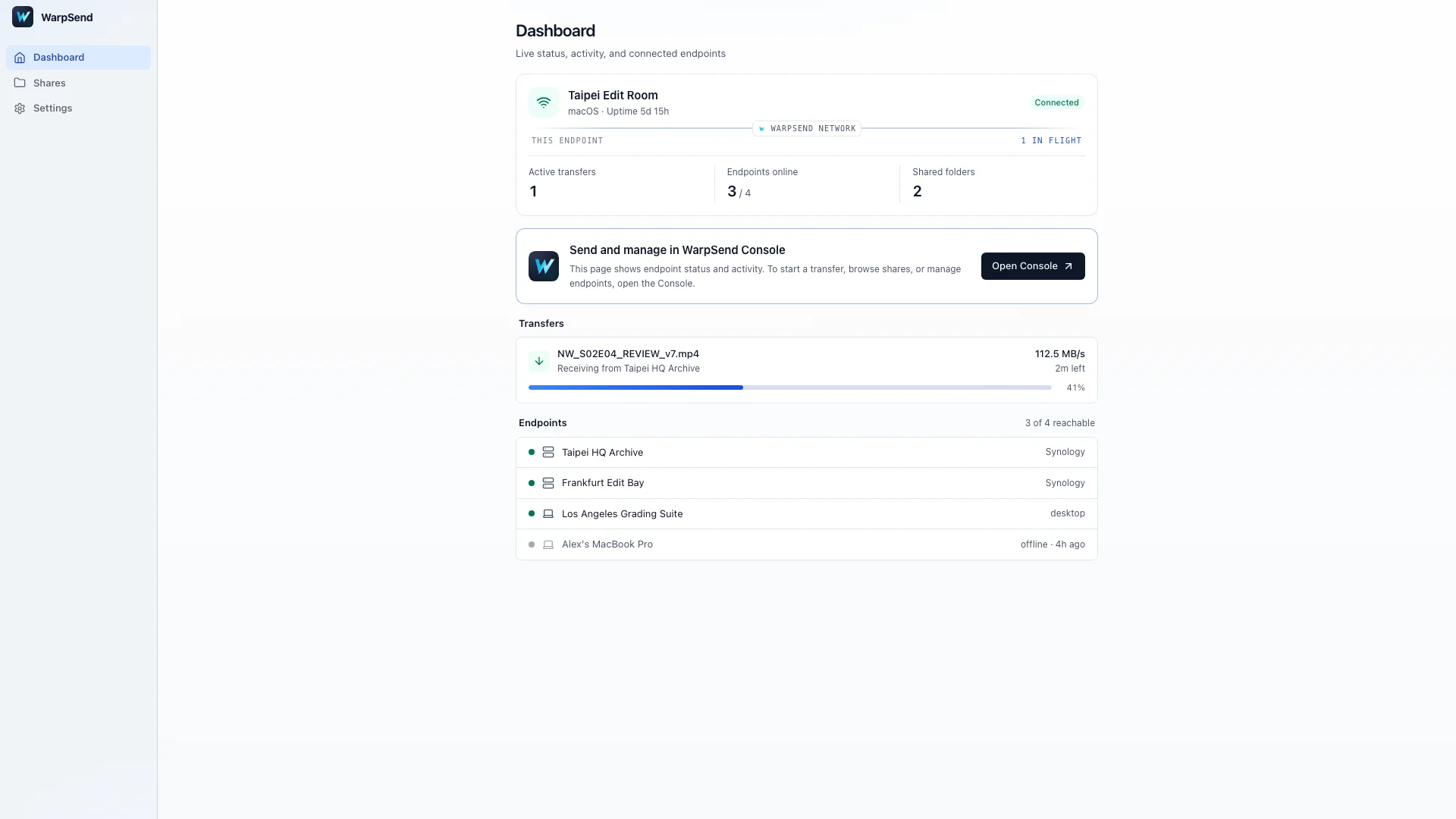
to connect it to your account. Once paired, the device appears as an endpoint in WarpSend.
Connect a second device to send files directly, or make a folder available as a Share on each device before setting up folder sync.
Frequently asked
What is WarpSend Agent?
A lightweight application that turns a computer, server, or supported NAS into a WarpSend transfer endpoint. It enables direct transfers, automated folder sync, resumable delivery, and remote management.
Which operating systems are supported?
Windows 10 and later on x64 and Arm64, macOS 13 or later on Apple silicon, Debian and Ubuntu Linux from the signed apt repository, and x86_64 Synology devices on DSM 7 or later.
Can I install WarpSend directly on a NAS?
WarpSend supports compatible NAS environments, including supported Synology models. Once installed, the NAS can operate as an independent source or destination endpoint.
Is the WarpSend Desktop App free?
Yes. The app is free to download and install. Endpoint transfers have no per-GB traffic fee; endpoint counts and speed limits depend on your plan. WarpShare sharing and collection are billed separately by upload volume, with a separate charge for retention beyond the included term. See current plan terms.