KEY CAPABILITY
Unlimited file and folder size
Send files and folders without a per-file size cap or the need to split them into smaller packages.
- 500 GB
- single file tested
- 50,000+
- files per transfer
- 0
- splitting, compression, prep
Send files between devices, share browser download links, sync folders, or collect uploads. Choose UDP endpoint transfer, WarpShare cloud sharing, or both according to your workflow.
A large master file and a folder of small assets place different demands on a transfer tool.
WarpDirect supports both types of transfer.
Transfer a 500 GB master or a folder of 50,000 small assets between supported endpoints. Speed depends on your UDP plan, network, and device performance.
See the complete product page: WarpDirect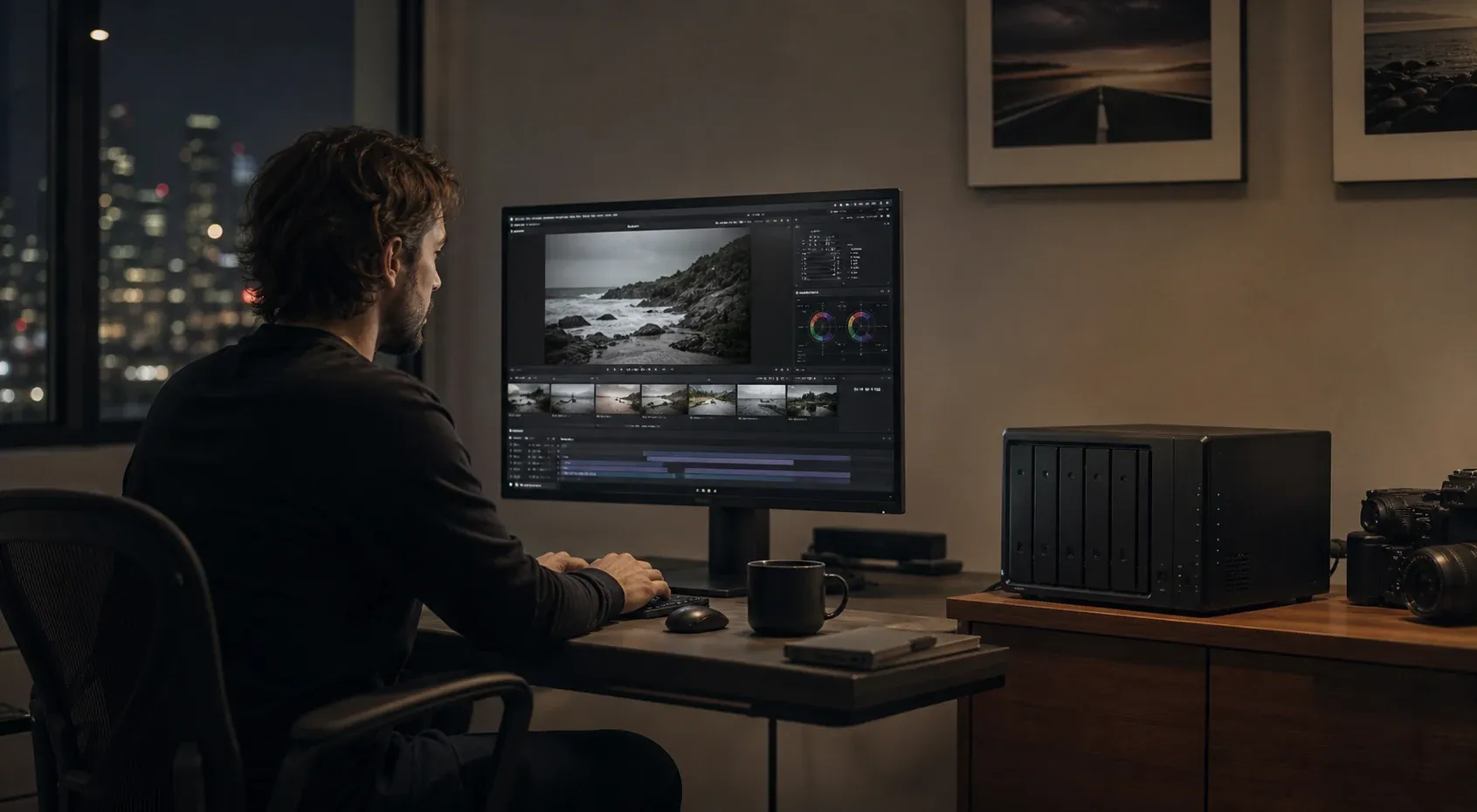
KEY CAPABILITY
Send files and folders without a per-file size cap or the need to split them into smaller packages.
Resume an interrupted transfer from its saved progress.
WarpSend attempts a direct connection without inbound port forwarding. Paid UDP tiers include Shuttle fallback when a direct route is unavailable.
Current encryption-capable endpoints protect file data in transit across direct and relay routes.
Check transfer status and receive completion or failure notifications.
macOS, Windows, Linux, Synology NAS.
Drop files or folders into WarpDirect. No setup per transfer.
Clients need a way to download a delivery when they are ready, even after your computer goes offline.
WarpShare keeps uploaded files available by link.
After uploading, send a link that recipients can open in their browser with no account required. Files remain available while your device is offline. WarpShare bills upload volume, with no extra download fees and no UDP subscription required.
See the complete product page: WarpShare
KEY CAPABILITY
Once the upload finishes, recipients can download until the link expires, even while your device is offline.
Anyone with the link downloads in a browser. No app, no signup.
No per-download fees. Share with one person or a hundred.
Recipients download without a plan speed cap. WarpShare works independently of UDP transfer plans.
Add a password to any link. Only those with it can download.
Choose when access to a sensitive delivery ends through its sharing settings.
See when a link was opened and how many times it was downloaded.
Recipients download through WarpSend’s managed delivery layer, wherever they are.
When folders change throughout a project, sending each update manually adds repeated work and makes changes easier to miss.
WarpSync transfers changes automatically.
Choose the folders and sync direction. WarpSync moves changes automatically, resumes interrupted transfers, and records activity for review.
See the complete product page: WarpSync
KEY CAPABILITY
Send changes from a source folder to a destination, or synchronize changes in both directions.
Drop a file in, it transfers automatically. No manual triggers.
Network drops don’t restart jobs. Picks up where it left off.
Connect supported computers, servers, and NAS devices in the locations where your team works.
Batches transfer work to reduce overhead when folders contain many small files.
Monitor every job from one dashboard. See what moved and when.
Automate jobs and trigger syncs via REST API. No UI required.
Tunnel protects direct sync traffic; Shuttle encrypts chunks and its manifest before managed WarpFabric staging.
Collecting large files by email or through shared drives can mean attachment limits and extra access permissions.
File Requests provides a dedicated browser upload link.
Create a reusable link for a cloud inbox, or enable automatic delivery to a folder on your computer or NAS. Uploaders send in their browser with no account or app. Choose end-to-end encryption with WarpSignet when creating the request.
See the complete product page: File Requests
KEY CAPABILITY
Give clients, photographers, vendors, or collaborators one upload link. Download submissions from the inbox, or have them delivered automatically to your receiving folder.
Anyone with the link can send files or folders in a browser. No WarpSend login or install.
With automatic delivery enabled, WarpSend queues submissions until the receiving endpoint reconnects. Cloud collection needs no endpoint.
Set up WarpSignet and select encryption when creating the request to encrypt file contents in the uploader browser before cloud storage.
Protect the link, set a collection deadline, or pause new submissions without breaking active uploads.
Control the maximum size per submission and optionally cap the number of submissions.
Collect a name, name and email, or allow anonymous delivery. Add an optional message.
Review submissions and, when automatic delivery is enabled, see which files are waiting for the endpoint and which have arrived.
Transfer methods
A direct connection moves files between online devices. Cloud sharing and collection let people send or receive in a browser. Choose the route that fits the recipient and the handoff.
 Source endpointStudio A · NAS
 Destination endpointStudio B · NAS
WarpDirect uses QUIC over UDP. Browser uploads and cloud delivery use separate routes.
Recovery depends on the transfer method. Endpoint transfers can resume from saved progress; check the job status before relying on a delivered copy.
Install the Agent on macOS, Windows, Linux, or a supported Synology NAS for endpoint transfers and folder delivery.
Manage transfer, sync, sharing, and collection activity from your WarpSend workspace.
Compare
| Feature | WarpSend | IBM Aspera | FTP | WeTransfer | MASV | Signiant |
|---|---|---|---|---|---|---|
| Transfer speed | Plan and route dependent | Deployment and route dependent | Client and route dependent | Connection dependent; same on Free and paid | Route dependent | Deployment and route dependent |
| File and transfer limits | None | None | None | Free: 3 GB total / rolling 30 days; Ultimate: 1 TB/transfer | None | None |
| Starting price | $0 free · WarpShare $9 / UDP $49 (separate products) | Varies by plan | Free | $0 free | $0.25/GB | By plan or quote |
| Setup time | App and endpoint setup | Varies by deployment | Server and client setup | Browser signup | Browser or app setup | Varies by deployment |
| Server required | No | Varies | Yes | No | No | Yes |
| Per-user fees | No | Varies | No | No | No | Yes |
| Resume on disconnect | Yes | Yes | Client/server dependent | No | Yes | Yes |
| One-way / two-way sync | Yes | Yes (Aspera Sync) | No | No | No | Yes |
| NAS support | Native app on supported Synology NAS | Server-based | Manual | No | Via storage integrations | Via storage integrations |
| Encrypted | Yes | Yes | No | Yes | Yes | Yes |
Under the hood
The engineering behind the four workflows: what changes over a WAN, why small files crawl, and what a realistic finish time looks like.
Why a transfer that flies on the LAN collapses over distance, and what a UDP transport fixes.
Read guideSee how metadata, connection setup, and per-file work can dominate payload time.
Read guideWhy SFTP stalls on high-latency routes, what tuning helps, and when to change transport.
Read guideA calculator and the real-world factors that stretch the payload-only estimate.
Read guideStart on the free plan to check delivery, connection setup, and performance with your team. No credit card required.