Solutions
Large video file transfer for production teams.
Collect raw footage from crews, send it to remote editors, and deliver review cuts and final masters to clients. Choose browser links for external contributors or direct transfers and folder sync between your own devices.
Start transferring freeCOLLECT
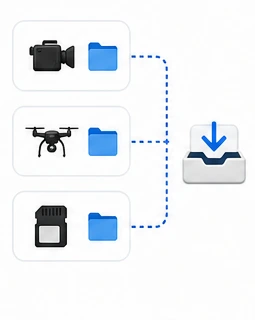
Gather footage from partners
WORK ACROSS SITES
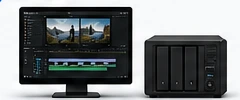
Move and manage active projects
DELIVER
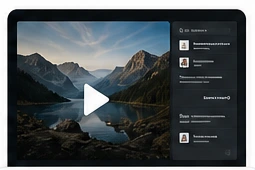
Send finished work to clients
File transfer for video production has to serve crews, editors, and clients. Crews can upload through File Requests without an account. Editors can receive camera originals or proxies on their computer or NAS. When a review cut or final master is ready, WarpShare gives the client a browser download link. Each stage has its own destination and access settings.
What slows this work down
Footage arrives too late for the first edit
The time between wrapping a shoot and starting the edit includes offloading, transfer, and verification. On long-distance links, latency and packet loss can reduce throughput even when bandwidth is available.
Multiple recipients change the cost estimate
For services that bill downloads, estimate how much each recipient will receive and how often. Compare that with upload-based billing using the same project and retention period.
An upload is interrupted before completion
When transferring a large media package, check whether the tool can resume after a dropped connection. WarpSend continues from verified progress once the connection returns.
A review takes longer than the link stays available
Choose a retention period that covers the review schedule. If approval is delayed, check whether the link can be extended and what the additional storage costs.
File transfer for post-production, from ingest to delivery
Choose the receiving folder, transfer method, and access settings for each stage.
-
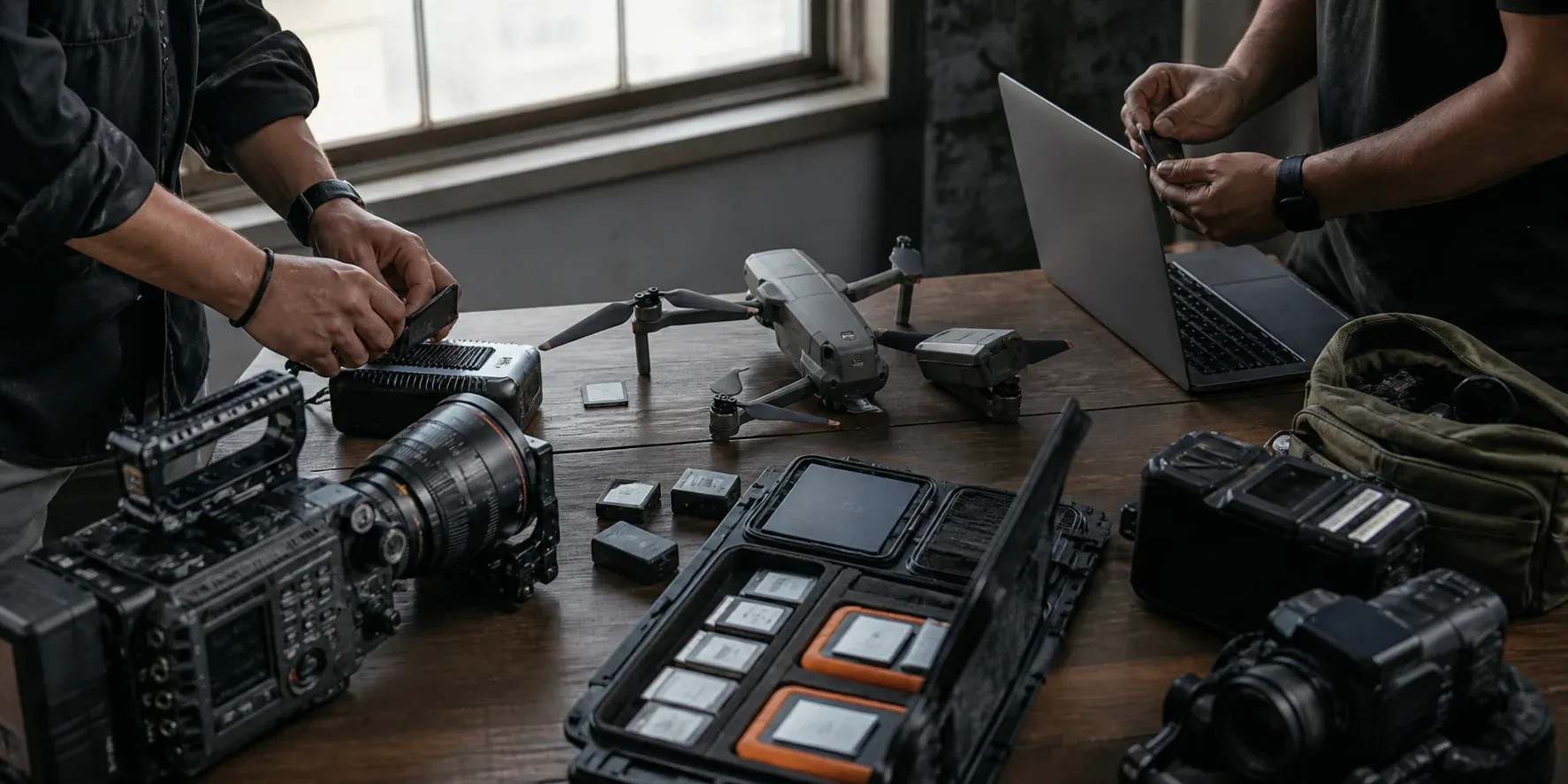 01 File Requests
Collect raw footage
Crews, freelancers, and vendors upload media through a browser link without receiving access to your storage.
Set up a File Request -
 02 Direct + Sync
Send files to editors and finishing teams
Transfer large batches on demand and keep active project folders aligned across studios, editors, and NAS endpoints.
Choose a folder sync workflow -
 03 WarpShare
Deliver review cuts and final masters
Clients download review cuts and final masters through browser links with the access policy each delivery needs.
Create a client download link
Move footage through editing, review, and finishing
FILE REQUESTS · BROWSER UPLOAD
Collect from crews and vendors
Create a File Request for each production. Contributors upload footage, audio, graphics, or documents in a browser without an account or access to the rest of your project.
WARPDIRECT + WARPSYNC
Manage files across locations
Move camera originals quickly when a handoff is urgent, then keep proxies, renders, and project folders synchronized between studios, remote editors, and NAS storage.
WARPSHARE · SECURE LINKS
Send cuts for client review and deliver masters
Send cuts and masters on a client-ready download page with the expiry, password, and download-limit policy the project requires.
WARPDIRECT · RESUME ON DROP
Live event and sports turnaround
Cut highlights while the event is still running: footage leaves the venue the moment cards are offloaded, and interrupted transfers resume from verified progress instead of starting over. Allow for the source upload speed and editing time when planning same-day delivery.
PUBLISHED SMALL-FILE BENCHMARK
Finishing handoffs: color, VFX, sound
Send full-resolution media to the colorist, DPX or EXR image sequences to VFX, and AAF files and stems to the mix. Image sequences contain many small files. WarpSend packs them into a continuous stream to reduce per-file overhead; the published benchmark explains the workload and test conditions.
Read the small-file transfer benchmarkWARPSYNC · WATCH FOLDER
Overnight dailies automation
Use WarpSync to transfer new footage from the card-offload folder to the edit suite or another NAS. Check throughput and job status to confirm the delivery fits the next shift’s schedule.
Field guides
Guides to remote editing and large video delivery
Researched, vendor-documented guides for the transfer half of a production workflow — written to be useful even if you never run WarpSend.
Remote video editing workflow
Proxies vs full-res, folder structure, and the handoff pattern that keeps a remote edit moving.
Read guideTransfer raw footage to a remote editor
The practical options for camera-original delivery, compared by speed, cost, and reliability.
Read guideUpload speed for video editing
How much upload bandwidth a video workflow actually needs, and what to fix first when it is slow.
Read guideWeTransfer alternative for large video files
Where browser share services hit their limits for video work, and what to use instead.
Read guideFrequently asked questions
What is the fastest way to send raw footage to a remote editor?
Start with the machine or NAS where the footage already lives. WarpSend moves camera originals between devices over an encrypted route and resumes from verified progress after a drop. A successful direct tunnel avoids cloud file staging; other routes can use encrypted staging. Compare throughput on your actual route, and choose a one-way or two-way sync job for repeated handoffs according to which team owns the files.
Can WarpSend replace MASV for client delivery?
For browser-link delivery, compare WarpShare’s download pages, expiry, password controls, and tracking with the MASV features your team uses. WarpShare bills upload volume, with no additional download fees or UDP subscription required. Check integrations and collection requirements as well as price before replacing an existing workflow.
Do clients or recipients need a WarpSend account?
No — in either direction. WarpShare recipients open the link in a browser and download, and file-request uploaders send you files the same way: no account, app, or plugin. Direct transfers and sync jobs run between devices that have the WarpSend agent installed.
How do I collect footage from clients and vendors without giving them access?
Create a File Request so outside contributors can upload in a browser without an account or access to your shared drive. Collect submissions in the cloud inbox or enable automatic delivery to a selected endpoint folder. If the job requires end-to-end encryption, enable it with WarpSignet when creating the request. Contributors do not receive access to the rest of the project.
Does WarpSend work with a studio NAS?
Yes. A supported Synology NAS runs the WarpSend agent and participates as a first-class endpoint, so footage moves straight from the NAS instead of being copied through a workstation first. Test your model, permissions, and real route before production rollout.
Can WarpSend move DPX or EXR image sequences efficiently?
Yes — an image sequence is thousands of small files, which is the workload WarpSend is strongest at. It packs frames into one continuous encrypted stream instead of paying a per-file round trip, reducing per-file overhead. Our published FTP benchmark reports the workload and measured results. Frame numbering and folder structure are preserved, and transferred content is verified.
Can WarpSend automate overnight dailies or backup delivery?
Yes. WarpSync watches the folders you choose and moves new files automatically — one-way for dailies delivery or an end-of-day backup push to the studio NAS, two-way for shared project folders. Interrupted runs resume from verified progress. Allow time for the transfer and verification before the next shift.
Keep every handoff moving — from first upload to final delivery.
Try the collection, transfer, and delivery steps with one project. WarpShare bills uploads, with no additional download fees; endpoint transfers use separate speed plans.
Create a free account