Blog
High-speed file transfer guides and benchmarks.
Plan a media handoff, diagnose a slow transfer, or compare delivery tools. These guides explain the choices, test results, and limits that matter for your workflow.

Earlier posts
Can a Presto License Speed Up Synology Drive ShareSync?
Considering a Presto license for ShareSync? See which jobs use Presto, what changes when you switch workflows, and what to check before buying.
Synology Drive ShareSync Not Syncing All Files? Trace One Missing File
Synology Drive ShareSync not syncing files even when logs look clear? Trace one missing file through the source, Drive catalog, sync rules and destination.
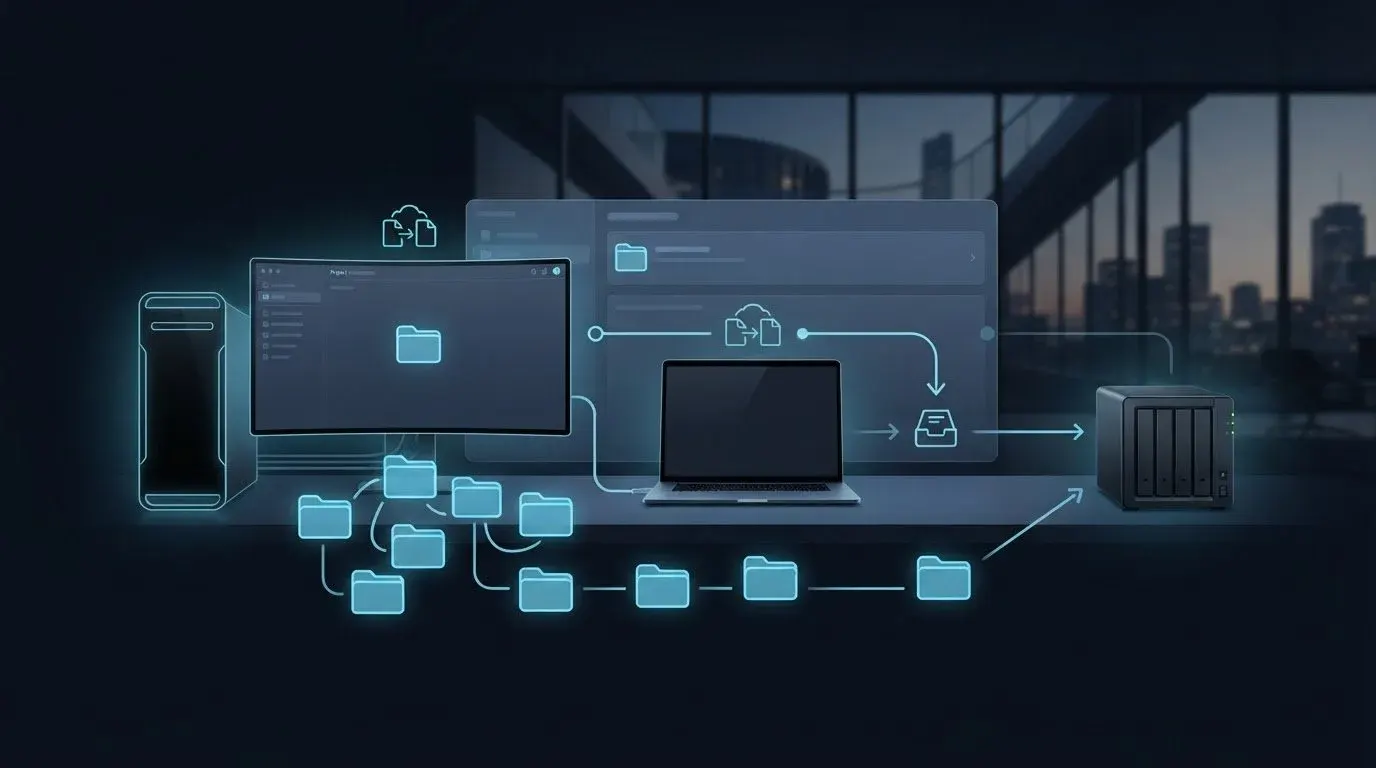
Project Folder Sync for Creative Workflows: Working, Review or Approved?
Keep project folder sync for creative workflows clear with revision-specific editing handoffs, review releases and approval records.

UDP Packet Loss During NAS Transfers: How to Diagnose and Fix It
Diagnose UDP packet loss during NAS transfers by comparing interface counters, capture drops and controlled tests before changing buffers or network settings.

Sync Files Between Computers and NAS: Shared Folder or Local Copy?
To sync files between computers and NAS, first choose shared access or local copies. Compare mapped folders, synchronized files and on-demand downloads.

Fast File Transfer for Creative Teams: Send What Unblocks the Next Task
Plan fast file transfer for creative teams around asset dependencies, transfer priorities and readiness checks so the next person can start useful work.

Fast Project File Sharing: Package an Editable Project That Opens Correctly
Make fast project file sharing useful with complete editable packages, explicit dependency records and a clean-location opening check before handoff.

Secure Client File Collection: Access, Inspection and Retention
Plan secure client file collection by separating upload access, encryption, incoming-file inspection and the handling of retained copies.

Branded File Upload Portal: An Agency Setup Example
Set up a branded file upload portal for agency clients. Separate organization identity from project instructions, understand shared settings and check the public page.

How to Create a No-Account File Upload Link
Create a no-account file upload link with Dropbox, OneDrive or WarpSend. Check who needs to sign in, copy the right link and resolve client access problems.
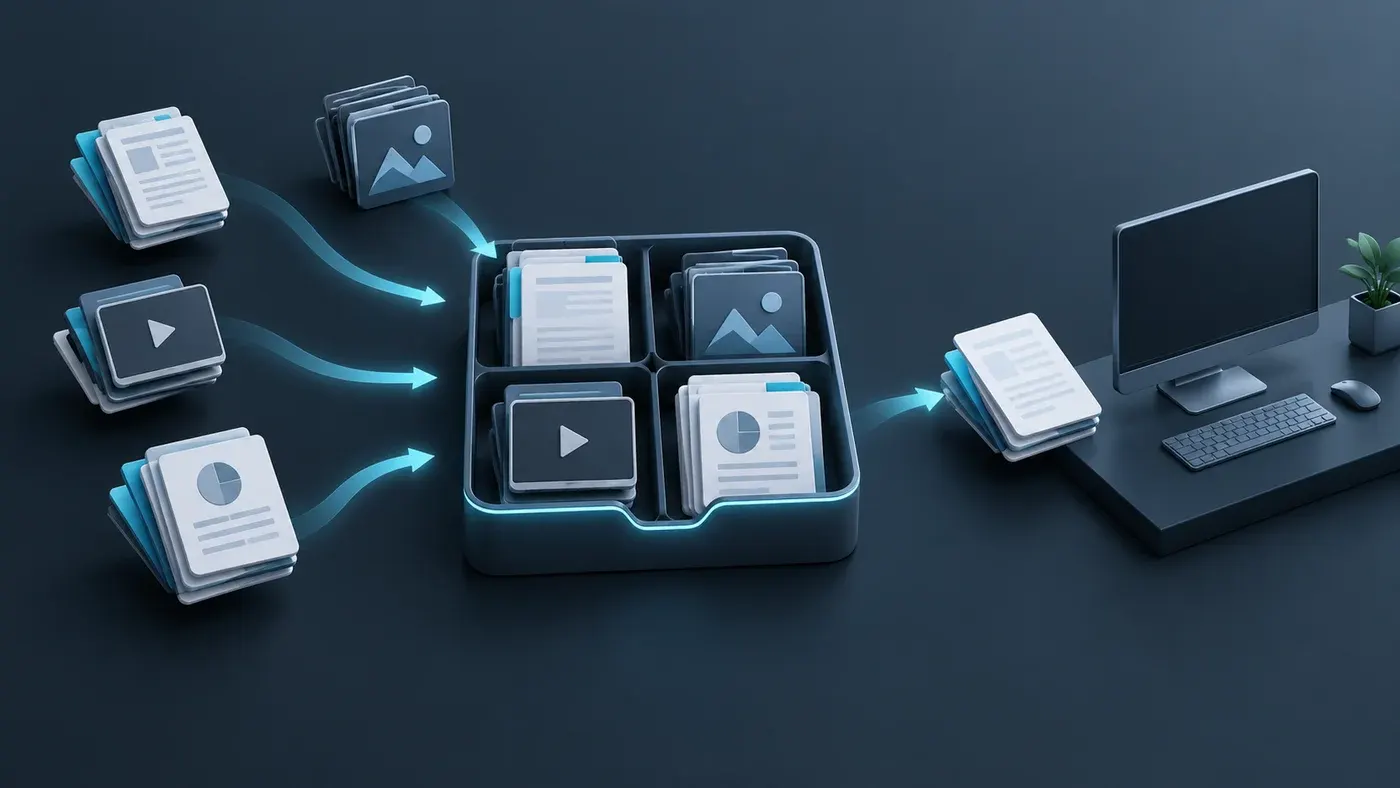
Client Portal for Large File Uploads: Buying Guide
Choose a client portal for large file uploads by checking submission privacy, uploader identity, recovery, receiving limits and the handoff to your team.

High-Speed File Transfer for Game Developers: Buying Guide
Choose file transfer for game developers by build delivery, source-asset handoff and QA acceptance, with checks for dependencies and interrupted transfers.

How to Sync Active Project Folders Automatically
Sync active project folders automatically with clear folder scope, edit ownership and a rollout test for conflicts, deletions and recovery.

Large File Transfer for VFX Studios: A Practical Buying Guide
Evaluate large file transfer for VFX studios by image-sequence completeness, project dependencies, revision control and recipient workflow.

Point-to-Point File Transfer: How It Works and When to Use It
Understand point-to-point file transfer: direct paths, relays, endpoint availability and verification, with a practical guide to choosing links or folder sync.

Best Way to Send a 100GB File: Links, Direct Transfer, or a Drive
Choose the best way to send a 100GB file by comparing recipient access, service limits, complete delivery time, resume behavior, and storage requirements.
File Transfer Software Evaluation: Comparing Accelerated Solutions
A file transfer software evaluation guide: compare deployment, recipient effort, recovery, verified delivery and billing before choosing a tool.

How to Request Footage from a Client: Upload Link and Message Templates
Request footage from a client with a clear asset list, a working upload link, a deadline with a timezone, and messages for receipt and missing files.

How to Upload Large Files from a Browser: Limits, Resume, and Checks
Upload large files from a browser: check service limits, keep resumable progress, diagnose errors and confirm the destination received the files.

Client Footage Intake Workflow: From Upload to Edit-Ready Media
Build a client footage intake workflow with a clear receiving owner, preserved camera folders, a submission log, and checks before media reaches the edit.
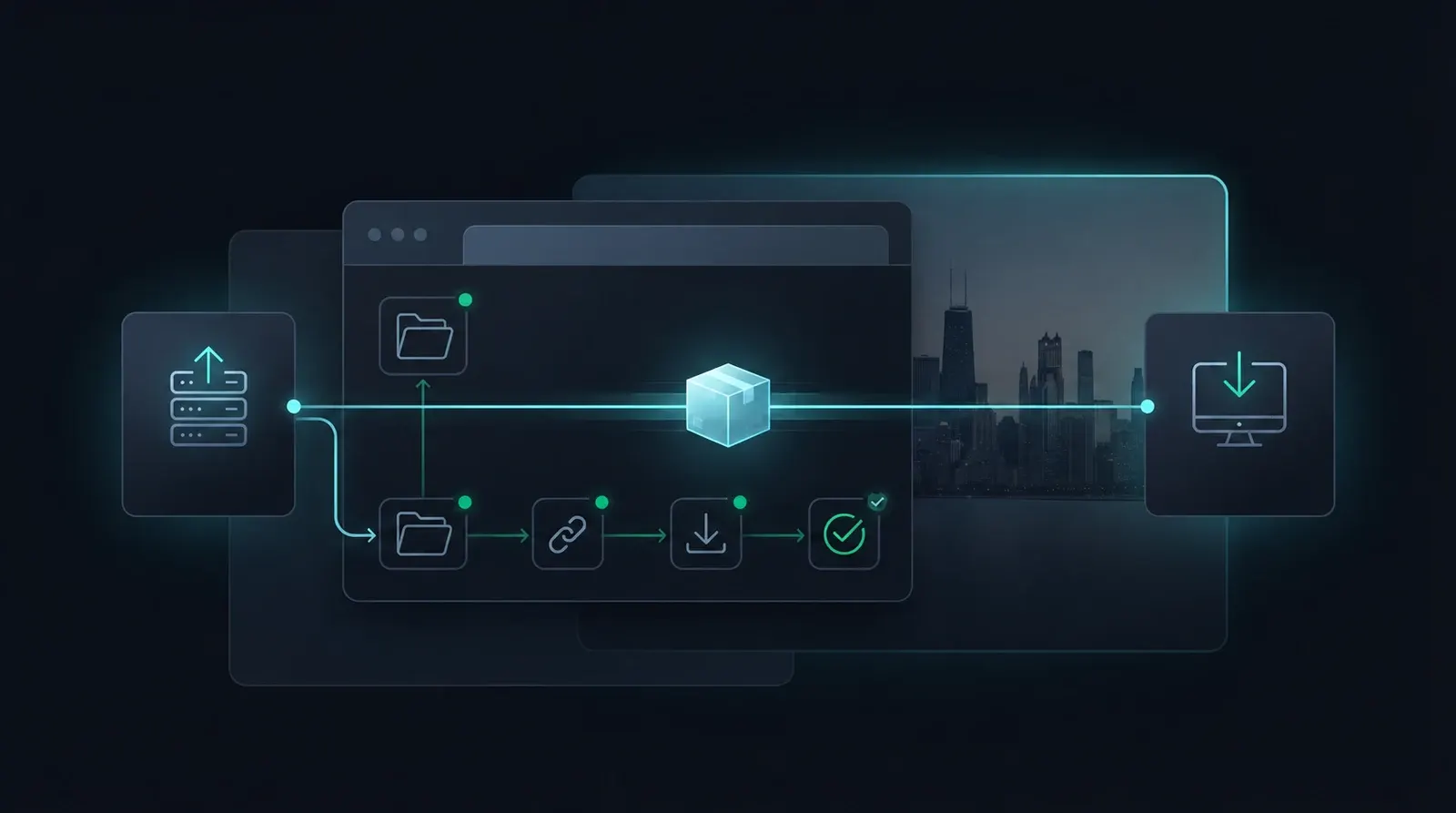
Client File Delivery Workflow: Send Large Files with a Clear Handoff
Build a client file delivery workflow for large assets: freeze a version, choose the right transfer, check the download, and confirm usable receipt.

Share Files Without Recipient Signup: Choose the Right Link
Share files without recipient signup by choosing the right link permissions: account-free access, email verification, and checks for a usable download.
WarpShare Guide: Create and Check a File Download Link
Create a WarpShare download link, set its access and check the recipient handoff. See how sharing differs from direct transfer and sync.
File Transfer Stuck at 100%: Check Verification and Finalization
A file transfer stuck at 100% may still be verifying or finalizing. Use logs, read traffic and an acceptance test to find the remaining work.