TCP vs UDP File Transfer: What Actually Changes Over a WAN?
TCP delivers bytes reliably and in order; UDP does not. See how QUIC and other file-transfer protocols add reliability, and what to benchmark first.
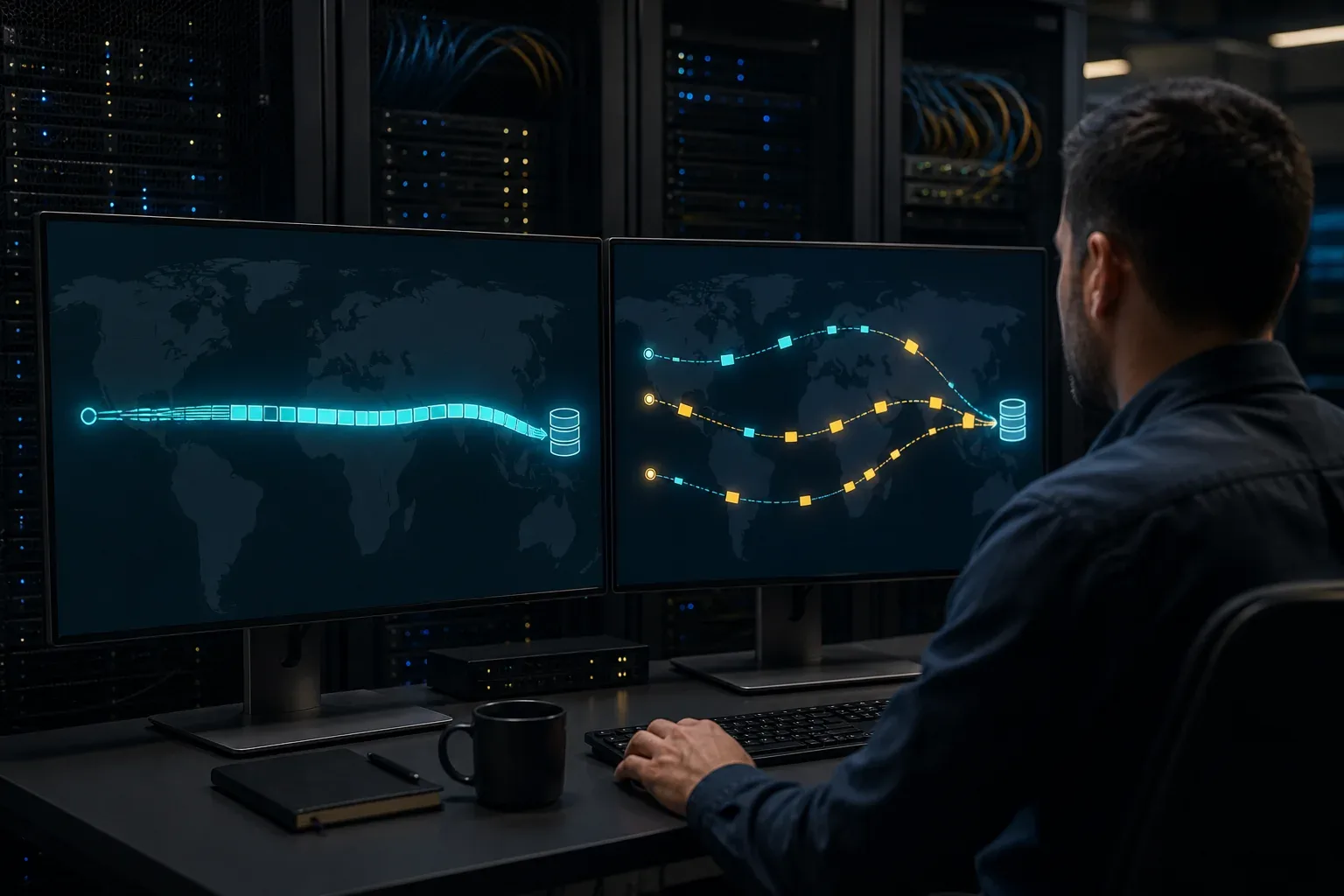
Choosing a file-transfer tool often involves a TCP-versus-UDP claim. What separates them is how each application keeps data moving, recovers missing bytes, and verifies the completed file on the route you use.
TCP provides reliable ordered delivery. UDP supplies datagrams, so a file-transfer application must add reliability and congestion control. QUIC is one example of a transport that adds those features over UDP. Understanding these layers helps you assess speed claims without assuming that a transport label predicts the result.
TCP, raw UDP, and QUIC are different choices
The current IETF TCP specification defines TCP as a reliable, in-order byte-stream service. TCP detects loss and repairs it through retransmission. File-transfer applications such as FTP and SSH-based SFTP inherit that stream behavior, then add their own file operations, authentication, encryption, and per-file workflow.
UDP is intentionally minimal. It carries independent datagrams between ports. The base protocol does not promise that a datagram will arrive, arrive once, or arrive in order. That makes UDP a building block, not a complete large-file delivery system.
QUIC is a secure transport built over UDP. It supplies connections, streams, flow control, and reliable delivery. Its separate loss-detection and congestion-control specification describes acknowledgements, recovery, slow start, congestion avoidance, and persistent congestion.
| Property | TCP | Raw UDP | QUIC over UDP |
|---|---|---|---|
| Delivery model | Reliable ordered byte stream | Independent datagrams | Reliable streams plus optional unreliable datagrams |
| Retransmission | Built into TCP | Application must add it | Built into QUIC for reliable stream data |
| Congestion control | Required | Application must add it | Built into QUIC |
| Encryption | Added by TLS, SSH, or the application | Application must add it | TLS is integrated into the protocol |
| Multiple application streams | Separate TCP connections or application framing | Application design | Native multiplexed streams |
| File completion check | Application responsibility | Application responsibility | Application responsibility |
The final row matters: transport checksums and reliable delivery do not prove that the destination file matches the source. A serious file-transfer workflow should still verify the completed file or manifest.
Why UDP alone is not a speed feature
Removing TCP does not remove the network’s capacity, latency, queueing, or loss. It moves responsibility into the application.
The IETF’s UDP usage guidelines require applications that send substantial traffic over UDP to control congestion and avoid overwhelming a path. A custom protocol also needs packet numbering, loss detection, retransmission or repair, receiver flow control, authentication, encryption, resume state, and file verification if the product promises dependable delivery.
Two UDP-based products can therefore behave very differently. One may pace traffic, recover only the missing data, and maintain a persistent encrypted session. Another may send bursts, react poorly to reordering, or fail behind a restrictive firewall. The label tells you almost nothing about implementation quality.
The WAN calculation both transports must face
Any reliable sender needs enough useful data in flight to keep a fast, distant path busy. The bandwidth-delay product is:
bytes in flight = bits per second × round-trip seconds ÷ 8
For a 1 Gbps route with 80 ms round-trip time:
1,000,000,000 × 0.08 ÷ 8 = 10,000,000 bytes, or about 10 MB in flight.
If an application’s receive window, request pipeline, congestion window, storage path, or CPU cannot sustain that amount, throughput stays below line rate. Switching from TCP to UDP does not erase the 10 MB requirement. A UDP-based protocol still needs a safe way to keep enough data moving and reduce its rate when the path signals congestion.
For a broader diagnosis, use the high-speed file transfer over long distance guide. It separates the path, storage, CPU, file-count, and protocol limits before recommending a tool.
Where TCP applications slow down
TCP is often blamed for delays created above TCP.
- Classic FTP can create a new data connection for every file.
- SFTP clients may use conservative request depth or buffers.
- An application may serialize hashing, encryption, disk reads, and network writes.
- A folder may require thousands of open, create, close, permission, and metadata operations.
- A transfer may restart from zero even though the transport delivered earlier bytes correctly.
A tuned TCP stream can be extremely fast for one large file on a clean path. In WarpSend’s controlled July 2026 Germany-to-US test, the FTP baseline and WarpSend were in the same line-speed class for one 1 GiB file. The gap appeared on 256 × 1 MiB files, where persistent batching and per-file workflow mattered. Read the full benchmark and its limitations; do not use that clean 143 ms route as a prediction for a lossy office network.
If compatibility requires SSH, the right next step is usually to tune SFTP request depth and buffers, not to replace it merely because another tool says UDP. If classic FTP is the baseline, start with why FTP slows down over distance.
Where QUIC can change application behavior
QUIC gives an application reliable streams without placing every stream behind one TCP byte sequence. Loss affecting data in one stream does not inherently block delivery of already-received data in another stream. QUIC also integrates its cryptographic handshake and can support connection migration when network paths change.
Those properties can help an application that uses them well, especially when it maintains multiple logical streams or needs to recover cleanly from route changes. They do not guarantee higher bulk throughput. QUIC still performs congestion control, still reacts to loss, still consumes CPU for encryption, and can be restricted by network policy.
A decision table for file-transfer teams
| Requirement | Practical starting point |
|---|---|
| Existing SSH accounts, automation, and audit controls | SFTP over TCP |
| Existing FTP server on a controlled private network | Tuned FTP, with security reviewed separately |
| Browser delivery or modern multiplexed application streams | HTTPS/HTTP/3 or a QUIC-based product |
| One-off datagrams where some loss is acceptable | Raw UDP may fit, but this is not normal file delivery |
| Terabytes across offices with resume and verification requirements | Benchmark complete file-transfer products, not TCP/UDP labels |
| Networks with uncertain UDP policy | Require a tested TCP or managed-relay fallback |
Security and operational fit can outweigh a small throughput difference. Check identity, recipient setup, encryption scope, key handling, link controls, logs, retention, resume behavior, and completed-file verification before comparing headline speeds.
How to benchmark TCP vs UDP file-transfer tools
Use the same endpoints and run at least these tests:
- Record the route. Capture available bandwidth, RTT, loss, jitter, VPN state, and whether the path is direct or relayed.
- Measure storage locally. Confirm source read and destination write rates without the WAN.
- Transfer one large file. This exposes the bulk streaming ceiling.
- Transfer a representative folder. Preserve the real file-count and size distribution.
- Interrupt the transfer. Record reconnect time and how many bytes must be resent.
- Verify the destination. Compare a cryptographic file hash or a complete manifest.
- Repeat in both directions. Office uplinks and routes are often asymmetric.
- Report median and spread. One best run is not a capacity plan.
Change only one variable at a time. If the products use different routing modes, record that difference instead of presenting it as a pure transport comparison.
Where WarpSend fits
WarpSend’s direct endpoint route uses libp2p and QUIC when the endpoints can connect. A managed WarpFabric Shuttle route covers cases where direct connectivity is not the practical path; Shuttle fallback on transfers requires a paid speed tier. The product adds resumable encrypted chunks and whole-file verification above the transport, and it supports direct transfer, browser share links, and folder sync.
WarpSend is not raw UDP, does not expose a “make UDP faster” switch, and is not guaranteed to beat every tuned TCP tool. On a clean single-large-file workload, capable transports can land in the same line-speed class. The product differences that matter appear in routing, file-count handling, resume, verification, recipient workflow, and operational setup.
Review what WarpSend does, then start free and run the eight-step comparison with your own endpoints and file set.
Sources and limits
- RFC 9293: Transmission Control Protocol
- RFC 768: User Datagram Protocol
- RFC 8085: UDP Usage Guidelines
- RFC 9000: QUIC: A UDP-Based Multiplexed and Secure Transport
- RFC 9002: QUIC Loss Detection and Congestion Control
No new TCP-vs-UDP performance experiment was run for this article. The 1 Gbps/80 ms figure is a bandwidth-delay-product calculation, not a measured WarpSend result. The linked WarpSend benchmark used a clean cloud route and should be interpreted only with its published environment and limitations.
Frequently asked questions
Is UDP faster than TCP for file transfer?
Not by itself. UDP has less transport-layer machinery, but it does not provide reliable delivery, ordering, retransmission, flow control, or congestion control. A UDP-based file-transfer protocol has to add that behavior above UDP. The implementation, route, loss pattern, file set, and endpoint limits determine the result.
Can files be corrupted or incomplete when sent over UDP?
Raw UDP does not guarantee delivery or order, so an application that simply sends datagrams can lose or reorder file data. A production file-transfer protocol must detect missing data, retransmit or repair it, and verify the completed file.
Does QUIC use TCP or UDP?
QUIC runs over UDP, but QUIC itself adds secure connections, reliable streams, flow control, loss detection, and congestion control. Calling QUIC raw UDP hides the parts that make it suitable for dependable application data.
Which transport is better for a high-latency WAN?
There is no universal winner. A tuned TCP application can fill a clean high-bandwidth path, while a well-designed QUIC or other UDP-based application can improve connection setup, multiplexing, recovery, or mobility. Benchmark the actual tool and workload over the real route.
Will a firewall block UDP file transfers?
Some networks restrict, rate-limit, or time out UDP differently from TCP. Test from the actual offices, VPNs, guest networks, and recipient environments. A product also needs a documented fallback when its preferred direct route is unavailable.