Large File Transfer for VFX Studios: A Practical Buying Guide
Evaluate large file transfer for VFX studios by image-sequence completeness, project dependencies, revision control and recipient workflow.
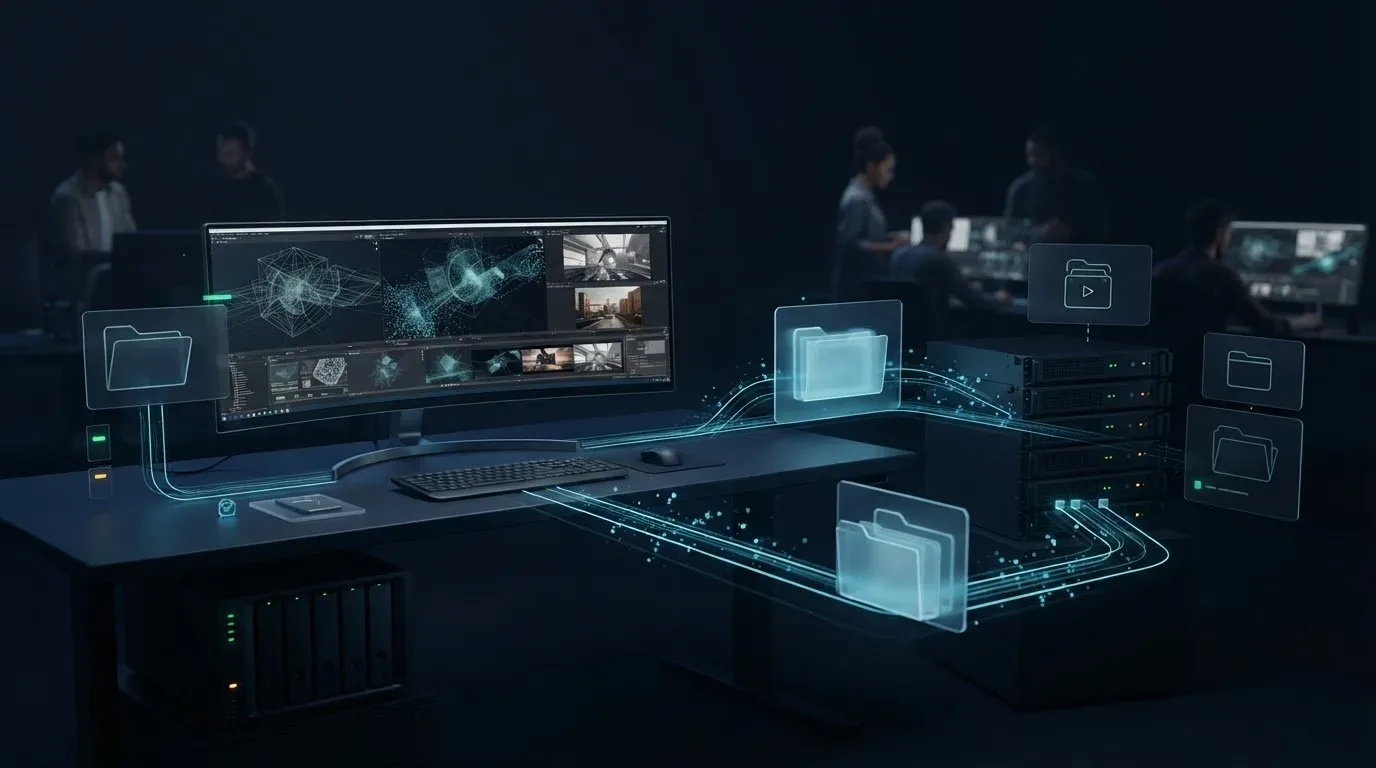
For a VFX studio, a large file transfer is done when the right shot version, its required frames and its dependencies are on storage the next artist can use. Choose the tool by that handoff: an approved render for a client, plates entering the studio, or a completed package moving between managed workstations and NAS devices.
A quick upload is only one stage. If the receiving artist discovers missing frames or unresolved assets, production still waits. Before comparing tools, define what a usable delivery means for each asset type.
Match the transfer to the asset
A review movie, image sequence and working scene have different acceptance requirements. Use the following matrix to choose a route and decide where the handoff ends.
| Asset and recipient | Suitable starting point | Acceptance at the destination |
|---|---|---|
| Review movie for a supervisor or client | Browser download link, or the required review platform | Correct shot/version, playback and the agreed review context |
| Completed plates or render sequence for a vendor | Versioned package over an approved transfer route | Expected frame numbers, handles, channels and delivery specification |
| Working project for a remote artist | Collected project package delivered to the artist’s storage | Referenced assets resolve in the agreed application environment |
| Published assets shared between studio sites | Controlled endpoint transfer or a defined sync workflow | Complete published version, correct destination and clear ownership of changes |
| Incoming client material | Upload inbox with project instructions | Submission matched to the expected inventory before artist handoff |
Keep the client’s mandated delivery channel when one exists. If an established storage or partner portal already meets these checks, adding another service may add work. A transfer tool complements rendering, asset management and creative review; it does not replace their decisions.
Define the package before sending it
For an image sequence, record the shot, version, expected start and end frames, frame step, handles, format and relevant color specification. A total file count alone can conceal a missing frame replaced by a duplicate or an unrelated file.
Netflix’s Feature Animation CSV manifest requirements illustrate why delivery metadata matters: they record paths, versions and sequence ranges. Those are requirements for that specific pipeline, not a universal studio format. Use the recipient’s current specification.
For a working scene, collect its dependencies before timing the transfer. OpenUSD’s utilities document dependency analysis and asset packaging, including referenced layers. A scene file arriving intact does not establish that its external assets arrived or resolve correctly in the recipient’s environment.
Use a handoff record such as this illustrative example, adapting it to the show:
Package: SH020_comp_v007; completed publish, source no longer changing.
Sequence: frames 1001–1100, step 1, 100 expected frames; confirm separately whether the agreed range includes handles.
Specification: recipient-approved format, channels, color configuration and application versions.
Inventory: relative paths, byte sizes and checksums; list intentionally excluded dependencies.
Destination: designated vendor/project folder; named person responsible for technical acceptance.
Revision rule: send corrections as a new version and identify the package they supersede.
The 100-frame count is a calculation, 1100 − 1001 + 1, for this continuous example. Check actual filenames against that range, not just the total. Keep creative approval separate from technical acceptance: a complete package may still require artistic changes.
Separate active work from a published delivery
A renderer can still be writing frames while a folder-transfer job enumerates them. A successful copy of the files visible at that moment can therefore be an incomplete sequence. Publish a stable version into a dedicated handoff folder after the production checks finish, then transfer that version.
For ongoing synchronization, decide who may edit, which direction changes travel, and what happens to deletions and conflicting versions. Use a disposable folder to check these rules before connecting active work. Synchronization is useful for controlled distribution, but it is not automatically a backup or an application-consistent project snapshot.
A versioned publish folder also makes recovery clearer. After an interruption, the operator can identify the intended package and compare received files without mixing newly rendered frames into the original job. Keep the source until the receiving team confirms acceptance.
Evaluate sequences as well as large files
Include the studio’s real file-count pattern in the trial. A single movie and a directory of many frames can have the same total bytes yet spend different amounts of time on enumeration, per-file operations and destination handling. The small-file transfer guide explains why a large-file result cannot stand in for every project directory.
Packaging a sequence into an archive may reduce per-file transfer operations, but it adds creation, extraction and working-space requirements and can complicate selective retries. Compare the complete process before adopting it. Keep folder structure intact and follow the recipient’s packaging rules.
Changing image encoding is a separate decision. OpenEXR supports both lossless and lossy compression; choosing a smaller EXR representation can change the image data. Use the production-approved encoding rather than changing it merely to improve a transfer result.
During the trial, time from the agreed publish event to a verified, usable destination copy. Record preparation, payload movement, recovery, extraction and validation separately. If transfer is quick but opening the project is slow, inspect dependency resolution and storage. If the sequence is incomplete despite matching transferred-file hashes, inspect package selection and the publish boundary.
Check recipient access and operational fit
Run the handoff with the person who will actually receive the package. Confirm whether they can install a client, use the chosen browser, write to the target storage and retrieve the intended directory structure. Test an interrupted disposable job and note what survives a client restart.
For confidential assets, verify access scope, encryption and key handling, retention, revocation and the evidence required by the production contract. Ask for current documentation of a specific certification or control rather than inferring compliance from a general security claim. Route-specific security details explain WarpSend’s distinctions.
Compare the cost of the same workflow: upload, required downloads, retention, endpoint operation and staff time. Use current supplier terms; no single fee describes every delivery pattern. The software evaluation guide provides a broader acceptance record, while the client footage intake guide covers received-package tracking.
Where WarpSend fits
Use WarpShare for hosted download links that recipients can use without a WarpSend account. Use WarpDirect to move completed packages between managed endpoints, and WarpSync for ongoing folder synchronization with defined direction and ownership.
File Requests collect client uploads through a browser without account creation. Material enters a cloud inbox, with optional delivery to a configured endpoint; include that last step when judging when an artist can start work. The video production overview arranges the same modules around a production schedule, from collecting plates to client delivery.
Choose the first trial around one real handoff: a completed sequence, its manifest and the intended recipient. A tool earns its place when that recipient can locate, verify and use the right version with a manageable recovery process.
Frequently asked questions
What should VFX studios test when choosing file transfer software?
Test a representative image sequence, a project with its dependencies and a review export. Verify the required frames, directory structure, revision and recipient access at the final destination, including recovery from an interrupted disposable job.
Should a studio synchronize its render output folder?
Avoid treating a folder still being written as an accepted delivery. Publish a completed version into a separate handoff folder, define synchronization direction and deletion behavior, and keep backups separately.
Does a successful transfer prove that a VFX package is ready?
No. Matching hashes establish file-content equality, while frame-range, dependency and application checks establish whether the intended package is complete and usable. Record technical acceptance separately from creative approval.
Can existing cloud storage work for a VFX studio?
Yes, when it meets the studio’s package size, access, destination and recovery requirements. A dedicated transfer service is useful when it resolves a demonstrated handoff problem, rather than simply adding another storage location.