Fast File Transfer for Creative Teams: Send What Unblocks the Next Task
Plan fast file transfer for creative teams around asset dependencies, transfer priorities and readiness checks so the next person can start useful work.
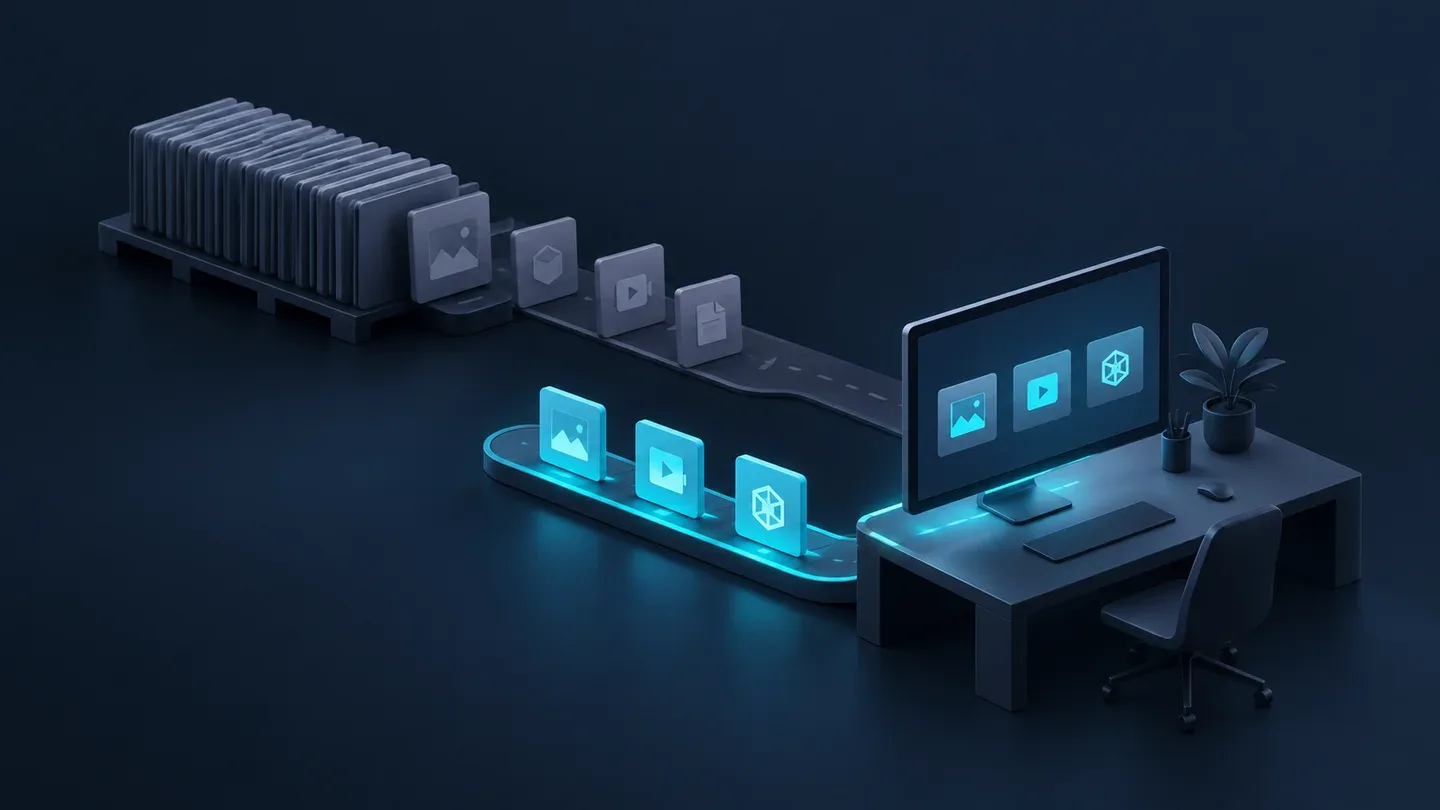
Fast file transfer for creative teams starts with the next person’s dependency: send the assets that let them begin useful work, then move the remaining material in an agreed order. A completed bulk upload may still leave a designer waiting for one approved logo or an editor waiting for matching audio.
The practical goal is to shorten the wait between project stages. Keep intake, active work and delivery on clear routes, but decide what must arrive at each stage before putting the whole project into a transfer queue.
Define the first usable batch
Ask the recipient what they will do first and which files that action requires. “Start the edit” is too broad. “Assemble the interview with its audio and current brief” identifies a useful batch. Add the project revision, reference material and any supporting assets needed to interpret it.
Keep a short handoff record: task, required files, receiving location, owner and readiness check. This can live in the team’s existing project system. An upload-complete notification is one observation in that record, not proof that the task is ready.
For example, a campaign may have interview footage, product photography and a large reference archive. The editor needs the selected interview and matching audio; the designer needs approved product images and brand assets. Sending each person’s dependencies first can make work available while unrelated material continues moving. This is a planning example, not a transfer-speed measurement.
Put dependencies ahead of convenient folder order
The largest folder is not automatically the most urgent one. Order batches by the work they unlock and the next person’s deadline. Keep dependent files together so a partly arrived batch is not mistaken for a usable project.
| Next task | First batch | Readiness check | Material that may follow |
|---|---|---|---|
| Assemble an interview | Selected footage, matching audio, current brief | Editor opens the media and checks the pairing | Other shoot days and general references |
| Design a campaign layout | Approved images, logo assets, format requirements | Designer confirms suitability for the task | Unselected photography |
| Review a cut | Named review export and review instructions | Producer checks the export and identifies its revision | Editable source project when requested |
| Finish at full resolution | Required originals and matching saved project | Finishing owner checks relinking and required media | Unrelated archive material |
These boundaries are task-specific. A finishing job that requires every original should not be released with missing media. If the team chooses proxies, first prove that the intended project can reconnect to its originals; the remote video editing workflow guide explains that architecture choice.
Give each stage a receiving owner
The receiving owner decides whether a batch supports the promised task. For client material, record what is still missing and distinguish it from accepted production assets. Use the footage intake guide for collection and destination checks.
During active work, name who can modify each project revision. Folder synchronization can carry a saved change, but it does not coordinate two people editing the same application document. Keep the editing owner and handoff point explicit; use application collaboration or an agreed revision handoff where appropriate. The active-folder synchronization guide covers direction, conflicts and recovery.
For review, send the export the reviewer needs rather than the whole working tree. Record which revision the feedback concerns. A request for source files is a separate handoff with its own dependencies, permissions and readiness check.
Choose a route after defining the batch
WarpSend’s video-production workflows support different directions of movement. File Requests collect client uploads into a cloud inbox, with optional endpoint delivery. WarpDirect moves a selected batch between endpoints. WarpSync handles configured recurring folder jobs. WarpShare stages a package and gives recipients a browser download link; recipients need no WarpSend account or app, while the link’s access settings still apply.
A direct tunnel avoids cloud file staging when it succeeds; other configured routes can use staging. Choose the route for availability, destination and access requirements. None of these tools decides whether a logo is approved or a sequence has all its dependencies. That remains the team’s release decision.
Avoid starting competing bulk transfers merely to mark everything as in progress. Check whether they share an uplink, destination disk or staging process, and schedule around the batch needed next. There is no universal fastest route or fixed completion time for every workload.
Measure the next person’s wait
For a recurring handoff, record when the task is requested, when its files are ready to send, when they finish arriving and when the recipient confirms they can begin. These observations separate preparation, queueing, transfer and acceptance delays.
If files arrive promptly but work starts much later, investigate missing context, permissions or dependencies before changing transport settings. If the required batch waits behind unrelated media, adjust the order. If transfer itself is the delay, compare the actual route and endpoint conditions using the same representative workload.
Start with one blocked task on the next project. Agree on its first usable batch, name the receiver and define what “ready” means. Expand the agreement when another handoff needs it.
Frequently asked questions
Should a creative team wait for every file before starting work?
Only when the next task requires the complete set. Agree on a usable first batch and its dependencies, then release it after the receiving owner checks it. Keep incomplete material clearly identified.
Does prioritizing a transfer make the connection faster?
No. Priority determines which work can become ready first. Throughput still depends on the route, network, storage and endpoints; smaller early batches do not prove a faster transport.
Does WarpDirect continuously synchronize project folders?
WarpDirect moves files between endpoints. WarpSync handles configured recurring folder synchronization. Neither replaces application collaboration, an agreed editing owner or backup.