Remote Video Editing Workflow: Four Practical Options
Design a remote video editing workflow around full-resolution transfer, proxy media, a workstation beside the NAS, or shared cloud storage.
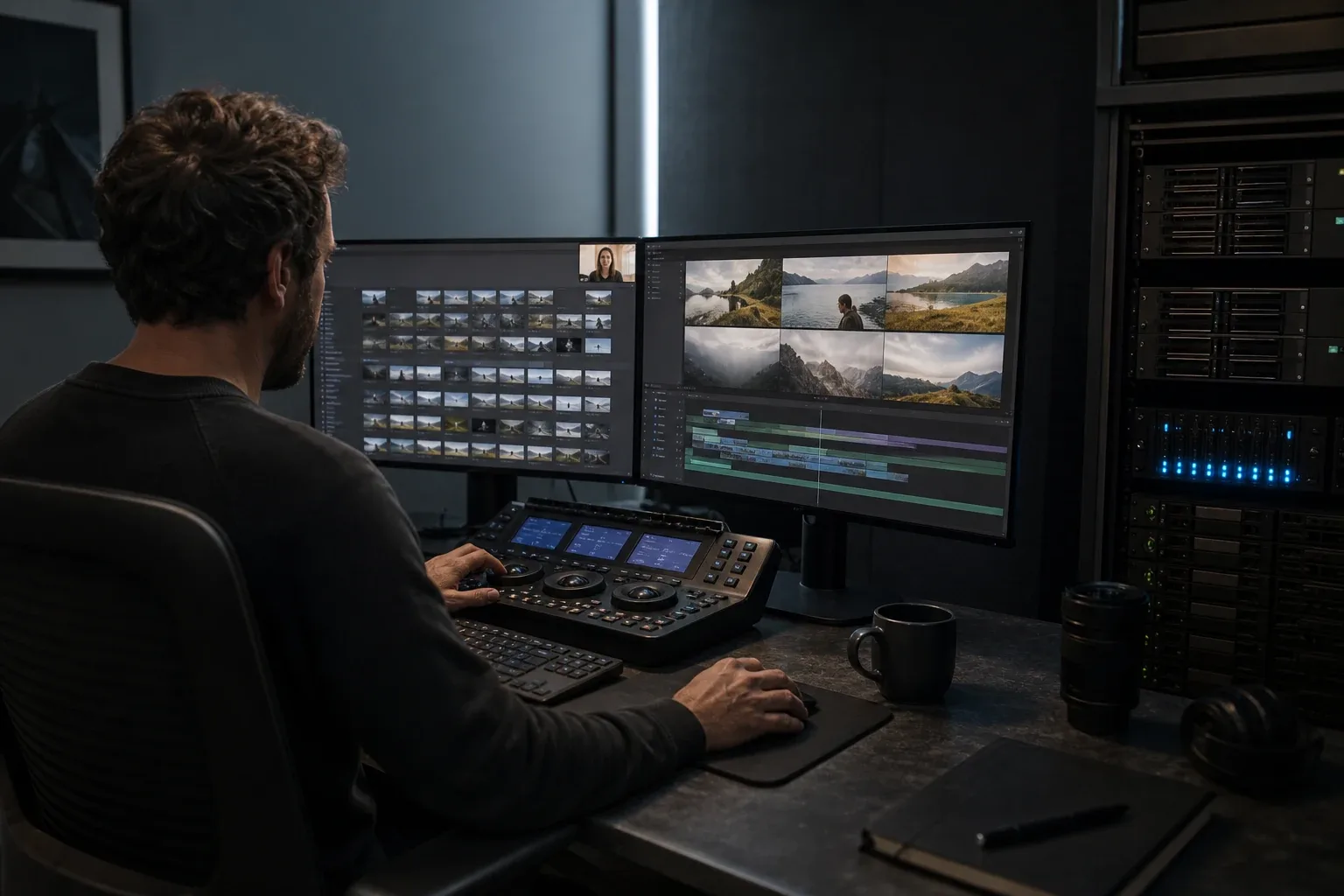
A remote editor needs responsive media and a project that can return to finishing without missing assets. That does not always require copying every camera original to the editor’s computer. The team can edit smaller proxies locally, control a workstation beside the shared storage, or transfer the originals when local finishing requires them.
Choose where editing and finishing will happen before selecting the transfer or sync tool. The four approaches below can be combined, but each needs a clear plan for project ownership and the return to full-resolution media.
The four architectures
| Architecture | Where media lives during the edit | Best fit | Main risk |
|---|---|---|---|
| Remote workstation beside storage | Full-resolution media stays at the facility | Centralized originals, strong facility LAN, controlled workstations | Interactive latency, remote-access security, host outage |
| Proxy-first local editing | Proxies live with each editor; originals stay central | Editorial, logging, rough cuts, multi-city teams | Relink and conform discipline |
| Full-resolution local copy | Each editor receives selected originals | Independent work, local finishing, VFX, weak interactive route | Large transfers, duplicate storage, version drift |
| Shared cloud storage | Media is staged or streamed through a managed platform | Concurrent teams, elastic access, managed permissions | Storage, egress, cache, provider dependence |
These can be combined. A production might upload camera-to-cloud proxies during the shoot, edit locally from proxies, remote into a finishing workstation for an occasional check, and ship or transfer camera originals for conform.
Start by separating five data classes
Separate the project folder by how each type of data is used. Camera originals, project files, and cache need different transfer and ownership rules.
1. Camera originals
Treat originals as immutable. Preserve camera-card structure and checksum history. Editors normally read them; they should not reorganize or overwrite them during a remote session.
2. Proxy or optimized media
Proxies are derived and rebuildable. Their value is that they retain the identity needed to reconnect to originals while being smaller or easier to decode.
3. Project files and collaboration state
Project files are small but conflict-sensitive. Two people overwriting the same project can cause more damage than a failed 1TB media transfer. Use application-level collaboration, explicit check-in/check-out, or versioned project copies.
4. Cache, previews, and render files
Cache is usually disposable and machine-specific. Synchronizing it wastes bandwidth and may introduce incompatible paths or stale state.
5. Exports and deliverables
Exports are outputs with approval status. Keep work-in-progress reviews separate from masters, and define who can replace an approved file.
Once these categories are separate, the architecture becomes much easier to choose.
Architecture 1: remote into a workstation beside the NAS
This pattern keeps the NLE workstation and full-resolution footage on the same fast LAN. The editor controls that workstation remotely, so the WAN carries keyboard, mouse, display, and audio traffic rather than every camera-original read.
Choose it when
- originals already live on central NAS or SAN storage;
- the facility LAN can support the codec and number of streams;
- editors can reserve or share managed workstations;
- finishing applications, plugins, fonts, and licenses are easier to centralize;
- the editor has a stable, low-latency interactive connection; and
- the team can secure and monitor remote access.
Test the actual experience
A throughput test does not measure interactive editing. Test:
- click-to-response latency;
- timeline scrubbing;
- dropped display frames;
- audio sync and monitoring quality;
- full-screen playback;
- keyboard shortcuts and input devices;
- color representation and HDR behavior;
- file dialogs, removable media, and clipboard policy;
- two editors working at once; and
- recovery after the host or internet link disconnects.
The media may never cross the WAN, but the remote display still does. A high-bandwidth connection with unstable latency can feel worse than a slower, consistent one.
Secure it as production infrastructure
Remote-control software is also a privileged access path. Require individual accounts, multi-factor authentication, least privilege, patched hosts, restricted inbound access, session logging, and a way to revoke access immediately when a freelancer rolls off.
CISA warns that remote access software is routinely abused by threat actors and recommends approved, hardened remote-access paths rather than unmanaged tools exposed directly to the internet. Use its Guide to Securing Remote Access Software as a baseline with your own security requirements.
Do not expose a general-purpose desktop protocol directly to the public internet because it is convenient for one deadline.
Architecture 2: proxy-first local editing
The proxy-first pattern moves lightweight editorial media to each editor while keeping camera originals at the ingest or finishing location.
Choose it when
- editors need local, responsive playback;
- the WAN cannot move originals before editorial starts;
- finishing will happen at the facility or another location with originals;
- camera names and timecode can be preserved; and
- the team can run a tested relink and conform process.
Adobe defines proxies as lower-resolution copies used for editing and supports reconnecting them to full-resolution media. Its current workflow allows proxies to be created during ingest or attached later, but the matching fields and folder organization must be planned. See Adobe’s ingest and proxy workflow and proxy attachment guide.
Frame.io similarly emphasizes clip name and timecode for switching from camera-to-cloud proxies back to originals. Its complete proxy workflow is useful even if the team uses another transfer service.
Define a proxy contract
Document:
- codec and container;
- frame size and frame rate;
- clip naming;
- source and proxy timecode;
- reel or camera ID;
- audio layout and channel count;
- LUT or color transform handling;
- proxy folder structure;
- relink matching rules; and
- who performs final conform.
Generate one representative camera card, send it to an editor, make a short sequence, and relink it to originals before processing the full shoot. Test mixed frame rates, spanned clips, external audio, stills, and multicam—not just the easiest clip.
What proxies do not solve
Proxies may be wrong for:
- final color and HDR evaluation;
- pixel-level VFX or keying;
- quality-control checks on camera originals;
- work that depends on original audio configuration;
- final mastering; or
- any pipeline that cannot reliably reconnect source identity.
The proxy workflow is successful only when editorial output can be conformed to the intended originals.
Architecture 3: transfer full-resolution media to the editor
Some jobs require the editor to work from local originals. Full-resolution copy is appropriate when:
- the editor also finishes, grades, or performs VFX;
- local performance must not depend on a remote host;
- the job is a selected subset rather than the entire library;
- the editor may work offline;
- the transfer window fits the schedule; and
- local storage and backup are available.
Plan it as a controlled media handoff:
- Freeze the source or define a cut-off.
- Create a file inventory and checksum manifest.
- Transfer one representative card and measure wall-clock performance.
- Move the initial package.
- Verify destination hashes.
- Run a final delta pass if the source changed.
- Keep the source unchanged until acceptance.
The ASC Media Hash List provides a media-specific format for checksums, metadata, and copy history. A file count alone cannot prove integrity.
For choosing direct delivery, cloud staging, proxies, or a shipped drive, use the companion guide: how to transfer raw footage to a remote video editor.
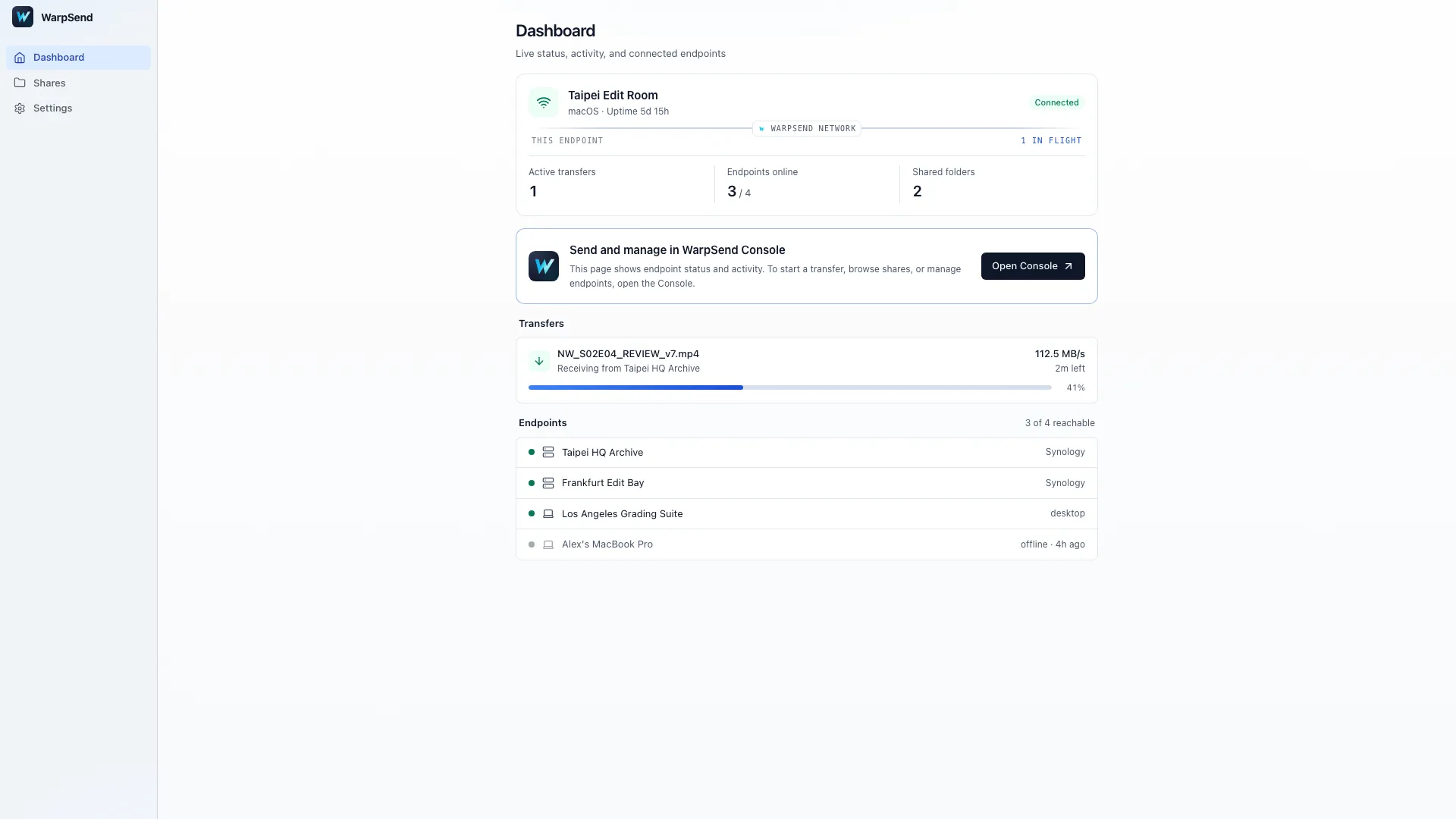
WarpSend agent dashboard on macOS during a media handoff. English interface with Northwind Studios demo data; values are illustrative.
Architecture 4: shared cloud storage
Shared cloud storage can reduce manual delivery when several people need the same project or when editors join and leave frequently. It is most useful when the platform provides managed identity, permissions, versioning or collaboration, local caching, and operational visibility that the team would otherwise build itself.
Before choosing it, model:
- ingest traffic;
- storage by month;
- downloads and egress;
- local cache size;
- repeated downloads by several editors;
- cache eviction and offline behavior;
- project-locking or collaboration semantics;
- identity, MFA, and audit logs;
- restore and export path; and
- provider outage or account-lockout recovery.
“The footage is in the cloud” does not answer whether the editor is streaming, caching, downloading, or remoting into compute beside it. Those architectures have different latency and cost.
Transfer, sync, and collaboration are not interchangeable
- Transfer moves a package from one place to another and records completion.
- Sync observes changes and attempts to keep selected folders aligned.
- Collaboration understands application state, user ownership, versions, locks, and merge behavior.
- Backup preserves recoverable historical state.
Folder sync distributes files; collaboration also needs ownership and conflict handling inside the editing application. Recovery needs a separate backup or version history.
If two editors need the same project, define an owner or use the NLE’s supported collaboration system. If ordinary media folders need repeated distribution, one-way sync is safer than a casual bidirectional mirror.
How WarpSend fits without becoming the architecture
WarpSend can move the file classes you decide should move:
- WarpDirect: a one-time transfer of proxies, originals, or deliverables between online endpoints;
- WarpShare: a browser-accessible package when the recipient should download later and the sender should go offline; and
- WarpSync: repeated one-way or two-way folder movement between supported endpoints.
It does not replace remote desktop software, NLE collaboration, media asset management, color management, or versioned backup. The workflow decision comes first.
For long-distance transfer planning, read high-speed file transfer over long-distance networks. For small proxy, audio, and graphics trees, read why many small files transfer slowly. To see how these modes and File Requests line up across a production schedule, from crew uploads to client delivery, read how WarpSend supports post-production teams.
A two-hour proof-of-concept plan
Use a slice of the actual project, including its less convenient media and folder structures.
Dataset
- one camera card with native folder structure;
- one proxy set;
- production audio with the real channel layout;
- stills or graphics;
- one project file;
- one export; and
- the expected cache behavior.
Tests
- Measure local storage performance beside the media.
- Test remote workstation responsiveness for 30 minutes.
- Transfer proxies and measure total completion, not only peak Mbps.
- Interrupt and resume the transfer.
- Open the project on the remote editor’s system.
- Relink proxies to originals.
- Export a short section and compare it with the approved reference.
- Disconnect the internet or remote session and document recovery.
- Verify that a former user can be revoked without changing shared credentials.
Score each architecture on time to first edit, editorial responsiveness, conform success, security, operating effort, recovery, and total cost.
Example decisions
Documentary with 4TB of originals and two remote editors
Keep originals near a finishing workstation, generate standardized proxies, send a proxy set to each editor, use application-level project collaboration or explicit ownership, and conform centrally. Ship or directly transfer originals only when an editor truly needs them.
Commercial finishing with a colorist in another city
If the colorist must work from originals and has calibrated local infrastructure, transfer the selected locked media and verified handles. If the facility’s workstation and display path are the controlled environment, remote into that system after a latency and color review.
Daily multi-city shoot
Upload or transfer proxies continuously for editorial, maintain immutable originals and manifests at each location, and send drives or scheduled original-media batches to the finishing site. Do not wait until the final shoot day to discover that proxy timecode cannot relink.
Final checklist
- Decide where full-resolution decoding and finishing happen.
- Separate originals, proxies, project state, cache, and deliverables.
- Calculate transfer windows from measured sustained throughput.
- Test one representative camera card end to end.
- Preserve timecode, names, audio layout, and folder structure.
- Use checksums for every custody-changing copy.
- Protect remote access with individual identity, MFA, and logs.
- Do not use one undifferentiated bidirectional sync for the entire project.
- Keep a versioned backup independent of sync.
- Document fallback when the host, ISP, cloud provider, or courier fails.
The right remote editing system is the smallest architecture that meets editorial responsiveness, finishing quality, security, and deadline requirements. Moving fewer, better-defined files is often the largest speed improvement available.
Try WarpSend with a representative proxy or original-media package after the workflow architecture is defined.
Before sending the finished work to a client, use the client file delivery workflow to identify the release, explain the next step and confirm usable receipt.
When several creative roles are waiting on different assets, prioritize the first usable transfer batch by the task it enables.
Frequently asked questions
What is the best workflow for remote video editing?
Use a remote workstation beside the shared storage when originals are centralized and interactive latency is acceptable; use proxies when editors need local, responsive media with smaller transfers; copy full-resolution media when the editor must work independently or finish locally; and use shared cloud storage when concurrent access and managed collaboration justify its cost.
Should remote editors receive full-resolution footage or proxies?
Send proxies when editorial can work offline and finishing will happen near the originals. Send full-resolution media when the editor needs local finishing, effects, color-critical work, or independence from a remote host. Prove relinking with one representative camera card before scaling a proxy workflow.
Is remote desktop good enough for video editing?
It can be excellent when the workstation and media share a fast local network, because only the interactive display stream crosses the WAN. Test latency, image quality, audio sync, color handling, peripheral support, concurrent users, and outage recovery with the real application and codec.
Can I synchronize the entire editing folder between remote editors?
Avoid one bidirectional sync for originals, proxies, project files, cache, and exports. These data classes have different ownership and conflict rules. Keep originals immutable, version project files, treat cache as disposable, and define one-way movement for deliverables whenever possible.