WarpSend vs FTP Benchmark: The 40× Small-File Difference
In recorded tests, WarpSend transferred a folder of 256 small files at about 40× the FTP reference rate. See why batching matters, alongside large-file records above 200 MB/s.
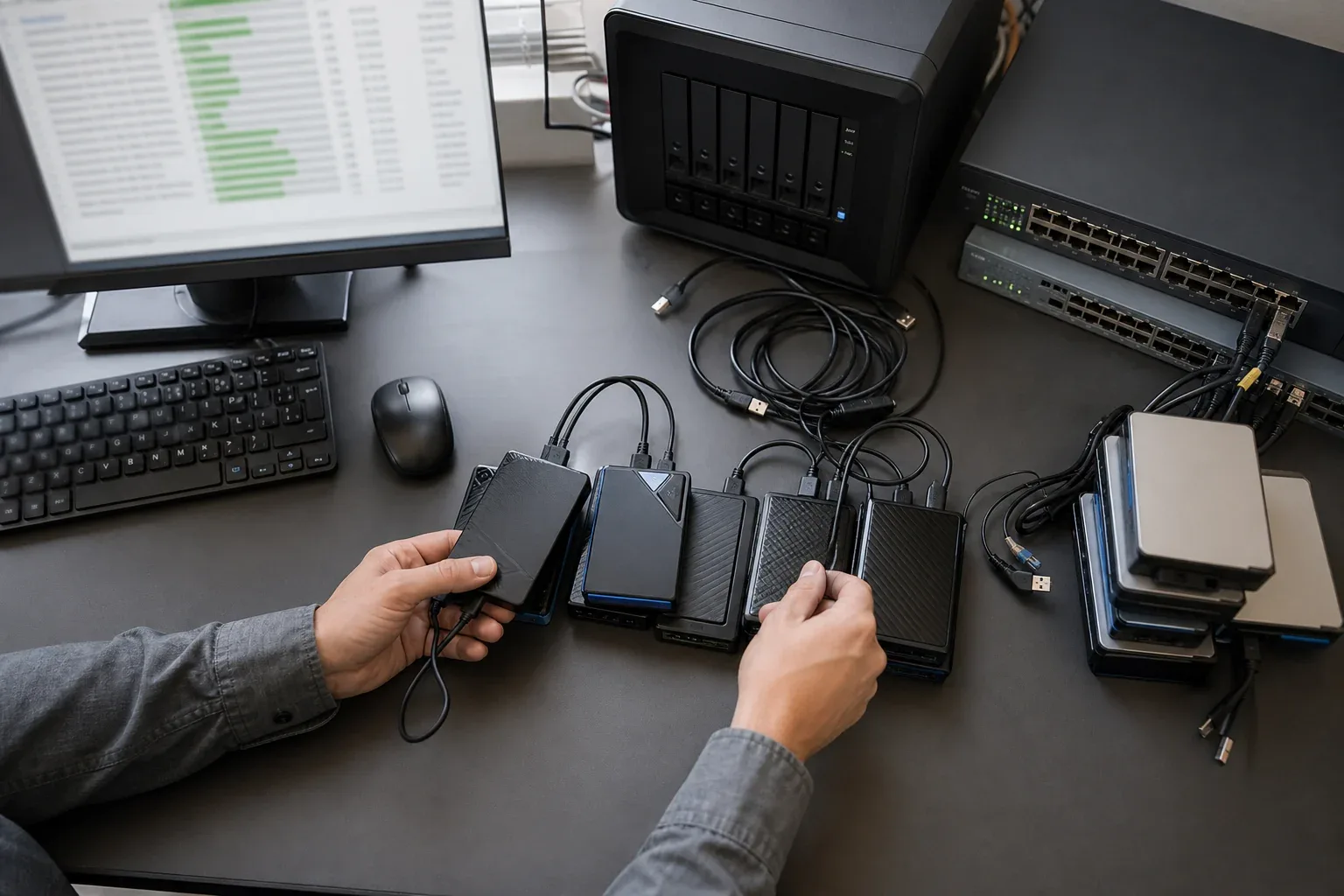
An overseas delivery containing hundreds of small files can spend more time between files than sending their contents. In our recorded test of 256 files of 1 MiB each, WarpSend’s median whole-job throughput was about 40× the FTP reference rate. The difference comes into focus when you look at how each tool handles the work around every file.
This is the workload where WarpSend’s batching is especially useful: a project folder with many separate assets. Large files tell another part of the story; later completed transfers between the US and Germany recorded average speeds above 200 MB/s.
Small-file results: a 256-file folder
The small-file comparison used a 256 MiB folder of random test files on a Germany-to-US route with approximately 143 ms round-trip latency. Both endpoints were Linode servers with 2 vCPUs and about 4 GB of memory. The FTP reference used passive uploads through curl and vsftpd, with BBR and enlarged TCP buffers.
| Tool | Recorded whole-job throughput (MiB/s) | Median | Relative throughput |
|---|---|---|---|
| FTP reference | 0.61 / 0.61 | 0.61 MiB/s | 1× |
| WarpSend Tunnel | 25.6 / 23.4 / 24.6 | 24.6 MiB/s | About 40× |
The three WarpSend runs were approximately 38–42× the FTP reference, with a median ratio of 24.6 / 0.61 = 40.3. These rates include the complete sender-command duration, so preparation and completion work count toward the folder’s result.
The recorded results compare the July 10, 2026 FTP reference with the July 11 WarpSend development runs on the same route. FTP was unencrypted; WarpSend included its encrypted endpoint workflow. The 40× result belongs to this workload and setup.
Why small files open such a large gap
A folder of camera clips, project files, thumbnails, and sidecar metadata asks the transfer tool to discover and handle each file separately. Small pauses between files can accumulate even when the connection has plenty of bandwidth available. This is why a folder’s total size does not, by itself, explain its delivery time.
FTP uses separate control and data connections, as defined in RFC 959. A client that opens a data connection for every file repeats setup and completion work throughout the folder. Over a long-distance route, those exchanges can leave the connection waiting between payloads. Client concurrency and connection handling affect how much of that waiting can overlap.
WarpSend addresses this kind of workload through batching and overlapping file-processing stages. Preparing the next files while earlier data is being sent helps keep the transfer moving. That makes file count and directory structure relevant alongside total bytes: a large-file speed alone cannot describe how an entire project folder will behave.
For a closer look at that mechanism, read why small-file transfers are slow and why FTP slows down over distance.
Large files also reached more than 200 MB/s
The following three completed transfers used WarpSend’s Tunnel route from US-ContentServer to DE-ContentServer. Each sent large-2048mb.bin, with a displayed size of 2.15 GB.
| Start time on September 6, 2026 (UTC+8) | Transfer duration | Average transfer speed |
|---|---|---|
| 19:42:38 | 10 s | 222.98 MB/s |
| 20:30:04 | 11 s | 201.24 MB/s |
| 20:35:22 | 11 s | 201.49 MB/s |
The values come from WarpSend’s transfer history. Speeds use decimal MB/s; durations are rounded as displayed in the application. These are three historical observations on this route, with results on other routes depending on available bandwidth, endpoint hardware, and storage.
These application-reported rates describe the large-file transfer interval. The small-file table measures whole-command throughput for a different workload, date, and direction; each table should be read within its own scope.
What this means for a project handoff
A speed figure for one large file captures only part of a delivery workflow. Camera sidecars, thumbnails, project assets, and other small files can turn repeated preparation into a substantial part of the wait. The small-file result shows why reducing that repeated work matters: usable bandwidth alone does not keep a folder moving.
For large masters, WarpSend’s recorded transfers above 200 MB/s show its sustained throughput on the measured US-to-Germany route. For folders, batching and overlapping file processing address the gaps between payloads. Both capabilities matter when the delivery includes the media and the project around it.
WarpDirect sends files between devices running WarpSend, including supported desktop and NAS endpoints. Install WarpSend on both ends, then select the source files and receiving device. For the network and storage factors behind a particular route, see the long-distance transfer guide.