How to Move 100TB of Data Safely
Plan a 100TB migration with realistic transfer-time math, physical seeding, resumable copies, manifests, checksums, delta passes, and cutover validation.
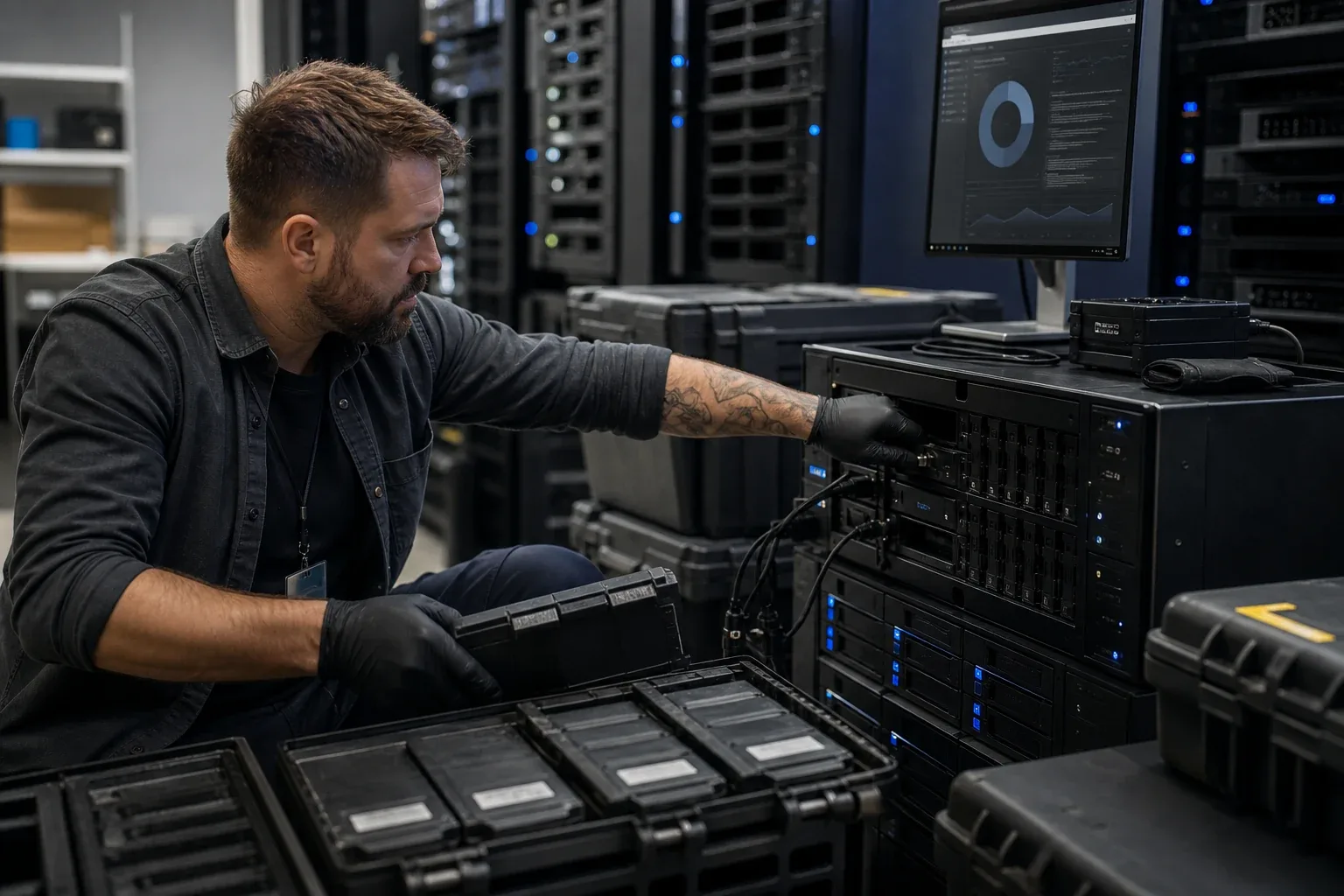
A 100 TB move can occupy a WAN for days while the source continues to change. The transfer plan therefore needs to account for two jobs: moving the existing dataset and reconciling changes before users switch to the destination.
Estimate the bulk-copy time first. Then decide whether an online transfer or physical seed fits the schedule, how to verify the copy, and how long to retain the source for rollback.
100TB transfer-time lower bounds
Using decimal terabytes and assuming a perfect link with no overhead:
| Sustained rate | 100TB lower bound | At 70% of link rate |
|---|---|---|
| 100Mbps | 92.6 days | 132.3 days |
| 1Gbps | 9.3 days | 13.2 days |
| 2Gbps | 4.6 days | 6.6 days |
| 10Gbps | 22.2 hours | 31.7 hours |
The calculation is:
seconds = bytes × 8 ÷ bits per second
These estimates cover payload movement. Total completion time also includes source reads, destination writes, file-open and metadata operations, encryption, retries, verification, and periods when the link is not fully utilized.
For a smaller reference point, 19TB at a perfect 1Gbps is about 42 hours, or roughly 60 hours at 70% utilization.
Use the interactive 1TB transfer-time calculator and replace the assumed utilization with a sustained rate measured on the real route.
The five-rule version for a multi-terabyte move
Let the source and destination storage systems handle the transfer directly where possible. Routing a job through a laptop adds another machine that must remain available, with its own network and storage limits.
Use a resumable bulk copy, then reconcile failures and recent changes. Plan verification alongside the copy so a final hash pass does not consume the cutover window unexpectedly. Retain the source through normal use of the destination and a recovery test.
The same sequence applies to smaller migrations. At 100 TB, measuring the stages early is particularly valuable because a repeated pass can add days.
Measure four different ceilings
1. Source storage
Can the source array sustain sequential reads without interfering with production? A storage pool under scrub, rebuild, snapshot cleanup, indexing, or heavy application load may deliver far less than its benchmark.
2. Destination storage
The destination must write at the target rate and still handle filesystem metadata, checksums, encryption, and background work. Do not validate only with a synthetic network test.
3. Network path
Measure throughput in both directions. On a WAN, include the slower uplink, RTT, packet loss, NAT or relay behavior, and traffic shaping.
4. File pattern
One 100GB file is a very different workload from ten million small files. File count can dominate even when the byte total is unchanged. See Why Transferring Thousands of Small Files Is So Slow.
Decide between online transfer and physical seeding
Physical seeding means copying the first bulk dataset to encrypted storage, transporting it to the destination, importing it, and then sending only later changes over the network.
It can be the best option when:
- the online estimate is measured in weeks or months;
- the WAN is shared with production traffic;
- transfer fees or bandwidth caps are significant;
- the dataset has a clear change freeze or delta mechanism; and
- the organization can manage chain of custody and encryption keys.
Physical seeding is not automatically safer. Drives can fail, shipments can be delayed, imports can be misidentified, and the final delta can be forgotten. Model the complete workflow, not courier speed alone.
Use a break-even calculation:
physical-seed time = export copy + verification + transport + import copy + final delta
If the online plan sustains 1Gbps at 70% utilization, 100TB needs roughly 13.2 days before a final delta. A physical plan that needs two days to export, one day to verify, two days in transit, two days to import, and one day for the delta is roughly eight days. It may win. On a measured multi-gigabit route, the network may finish before the drives complete two extra copies and shipping.
Use vendor-documented seed workflows where they exist. Synology Snapshot Replication, for example, supports exporting an initial copy to a storage device and importing it at the destination. AWS Snowball similarly documents per-file or per-part checksums and completion reports for shipped-device workflows. See Synology’s Snapshot Replication initial-copy guide and AWS Snowball transfer validation. These are examples of explicit import semantics; they do not make a raw disk copy a valid seed for every product.
Choose a resumable transfer
If the source and destination are storage arrays, first decide whether the project requires block-volume protection or only a file-level migration. The SAN-to-SAN replication over a WAN guide separates synchronous and asynchronous array replication from file-copy seeding so the cutover plan does not promise LUN, snapshot, or failover semantics that the selected tool cannot provide.
At 100TB, a restart-from-zero workflow is unacceptable. The transfer system should provide:
- restart or resume after interruption;
- per-file or per-chunk completion state;
- a durable failure list;
- transfer history and timestamps;
- a way to rerun only missing or changed content; and
- integrity verification appropriate to the risk.
Possible tools include storage-platform migration utilities, backup/restore products, rsync-like file copiers, object-storage multipart tools, and dedicated endpoint transfer systems.
For rsync-based workflows, options such as partial-file retention can make interrupted transfers recoverable, but each option changes disk usage and restart behavior. Read the current rsync manual for --partial, --partial-dir, checksum choice, archive mode, ACLs, extended attributes, and dry-run behavior. Do not paste an internet command into a 100TB production migration without testing its deletion and metadata semantics on a representative folder.
WarpDirect is one file-level option between supported endpoints. It provides resumable encrypted transfer and verified delivery, but it does not migrate DSM packages, snapshot history, or application configuration. Use a platform-native migration or backup workflow when those are in scope.
Build a source manifest
Before the first copy, record:
- source path or dataset name;
- file count and directory count;
- logical byte total and allocated byte total where relevant;
- very large files, sparse files, bundles, and unsupported names;
- ownership, permissions, timestamps, and extended attributes that must survive;
- cryptographic hashes for the required subset or entire dataset; and
- active applications that write into the source.
A transfer log answers “what the tool attempted.” A manifest helps answer “did the destination become equivalent enough for the business?”
Define “equivalent enough” before copying. A media archive may need path, bytes, modification time, and hash. A user home directory may also need owner, group, ACL, extended attributes, and case behavior. A virtual-machine or application repository may require an application-consistent export rather than a live file copy.
Flag these cases explicitly:
- sparse files whose logical size is larger than allocated storage;
- hard links that a simple copy may expand into duplicate data;
- case-only filename differences between filesystems;
- encrypted folders and missing keys;
- open databases or virtual disks that are changing during the copy; and
- snapshots, package databases, and version histories that do not exist as ordinary visible files.
Use a bulk pass and a delta pass
Use the measured rate to decide how much can move before the cutover window.
- Bulk pass: copy most data while the source remains online.
- Reconciliation: fix failures, unsupported files, and permissions.
- Change freeze: stop or strictly control new writes.
- Delta pass: copy only additions and changes since the bulk pass.
- Validation: compare manifests, hashes, application behavior, and user access.
- Cutover: point applications and users to the destination.
- Rollback window: keep the source intact and preferably read-only.
The final delta, not the first bulk copy, determines downtime.
Verify at multiple levels
Check that the completed destination supports the intended work:
- Compare total files and bytes.
- Review skipped and failed items.
- Compare hashes at the chosen assurance level.
- Open representative large files and application-specific formats.
- Test permissions and service accounts.
- Run application validation.
- Perform a restore or rollback test where recovery matters.
Storage-level checksums protect data at rest; they do not by themselves prove that every intended source file was selected and arrived at the correct destination path.
Think of verification as three independent questions:
| Layer | Question | Evidence |
|---|---|---|
| Transport | Did received content match what the sender transmitted? | Transfer checksum, retry log, completed-chunk state |
| Inventory | Did the job select every required path? | Source and destination manifests, file counts, logical bytes, missing-item report |
| Application | Can the destination perform the business workflow? | Media decode, project open, database recovery, permission test, user acceptance |
Hashing the complete source can itself take hours or days. Generate the manifest before or during the bulk phase, store it separately, and rerun only the required comparisons during the final delta. Verification should be designed into the schedule, not added after the migration window is exhausted.
Final recommendation
For 100TB, select the architecture in this order:
- define what must migrate;
- measure storage and network ceilings;
- calculate online time;
- compare physical seeding;
- choose a resumable tool;
- plan the delta and cutover; and
- keep the source until validation is complete.
Keep the source available until the destination is complete, usable, and recoverable.
Primary documentation and calculations were checked on August 6, 2026. Recalculate with measured throughput, actual file count, and the selected tool’s current resume and verification behavior before scheduling a 100TB cutover.
Frequently asked questions
How long does it take to transfer 100TB?
The network-only lower bound is about 92.6 days at 100Mbps, 9.3 days at 1Gbps, 4.6 days at 2Gbps, or 22.2 hours at 10Gbps. Real transfers take longer because utilization is below 100%, storage and file count matter, and validation adds time.
Is it faster to ship drives for a 100TB migration?
Often, especially when the available WAN is slow or expensive. Compare the full physical-seed workflow—copy, encrypt, transport, import, and verify—with the measured online transfer rate and operational risk.
How do I verify a very large data migration?
Record a source manifest, compare file counts and total bytes, use cryptographic hashes for the required risk level, review transfer failures, run a delta pass after the change freeze, and keep the source read-only until users and applications validate the destination.
Does the same process apply to a 5TB or 20TB NAS move?
Yes. Smaller migrations use the same principles: inventory, measure, choose a resumable path, run a bulk pass, freeze changes, run a delta, verify, and keep a rollback copy. The scale only changes how formal the manifests, shipping decision, and cutover window need to be.