Blog
High-speed file transfer guides and benchmarks.
Plan a media handoff, diagnose a slow transfer, or compare delivery tools. These guides explain the choices, test results, and limits that matter for your workflow.
Earlier posts

Why Is My Upload So Slow? A Bottleneck-First Diagnosis
Diagnose slow uploads by measuring upstream bandwidth, Wi-Fi, competing traffic, storage, service limits, latency, and loss before changing tools or plans.
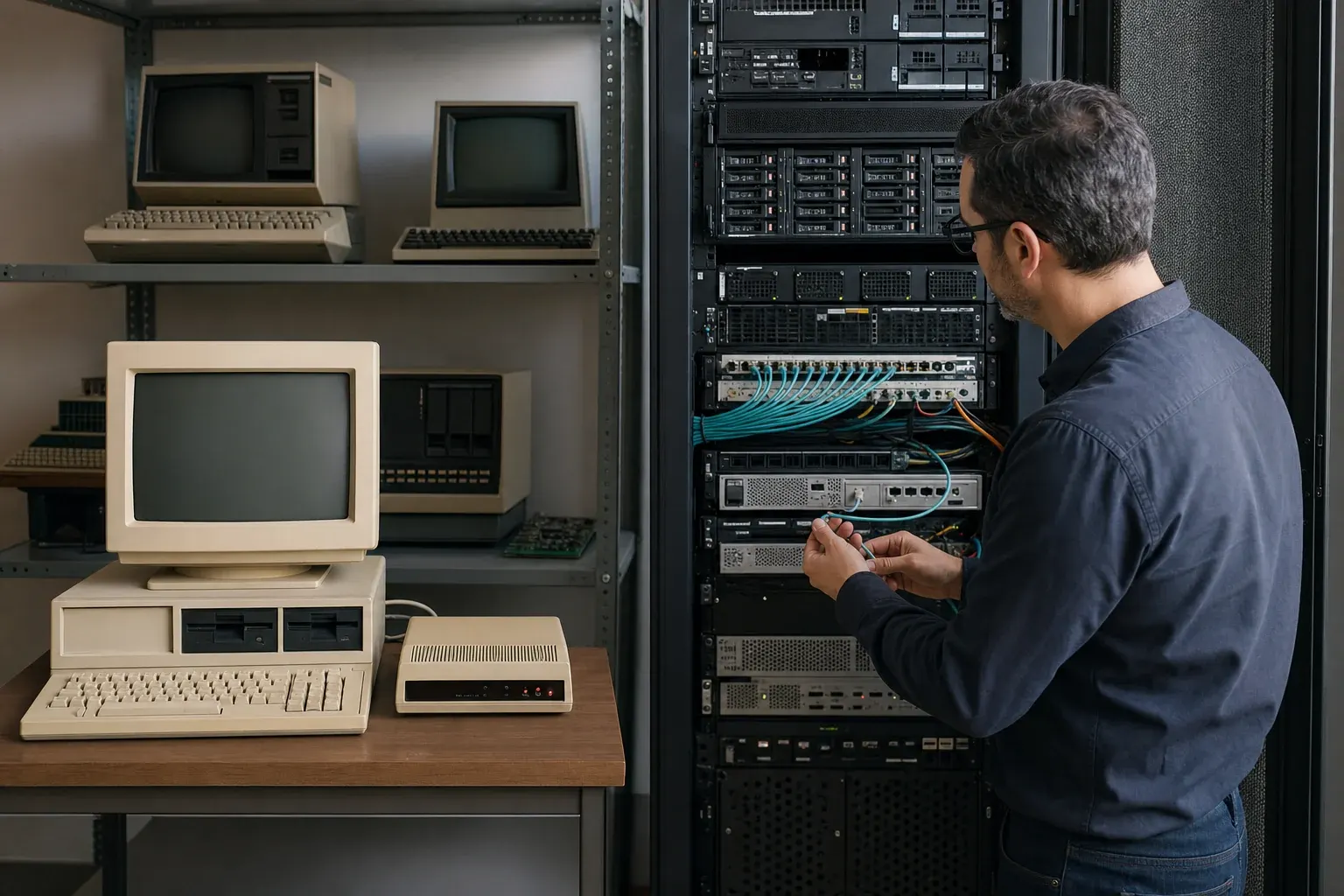
A Brief History of Fast File Transfer: FTP, TCP, UDP, and QUIC
A short history of fast file transfer, from FTP and TCP limits to UDP-based congestion control, modern acceleration and reproducible benchmarks.
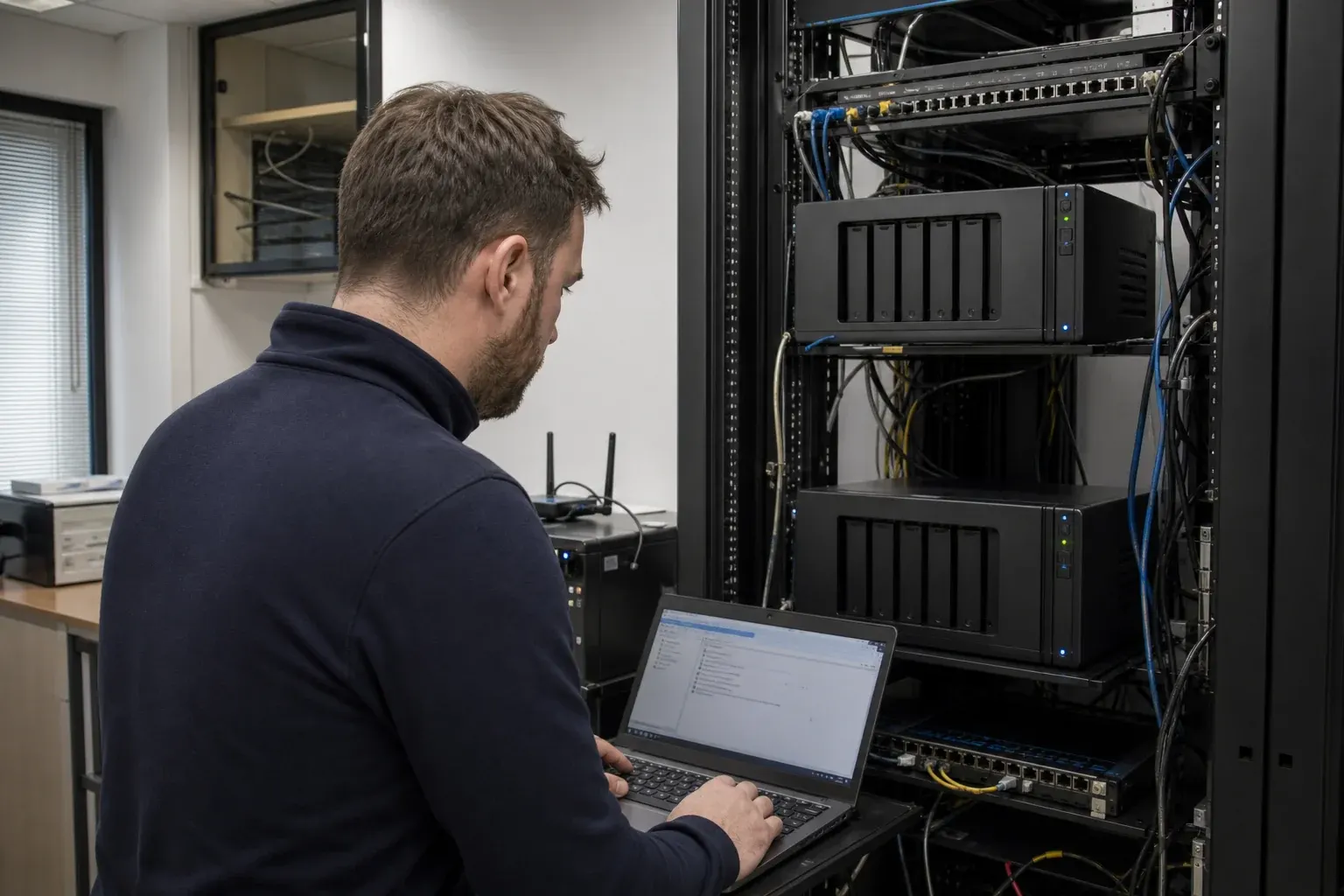
Synology NAS Replication: Snapshot, Backup, Sync, or Transfer?
Choose a Synology-to-Synology replication, sync, transfer or migration method by recovery goal, destination behavior, network and first-copy time.
WarpSend vs FTP Benchmark: The 40× Small-File Difference
In recorded tests, WarpSend transferred a folder of 256 small files at about 40× the FTP reference rate. See why batching matters, alongside large-file records above 200 MB/s.
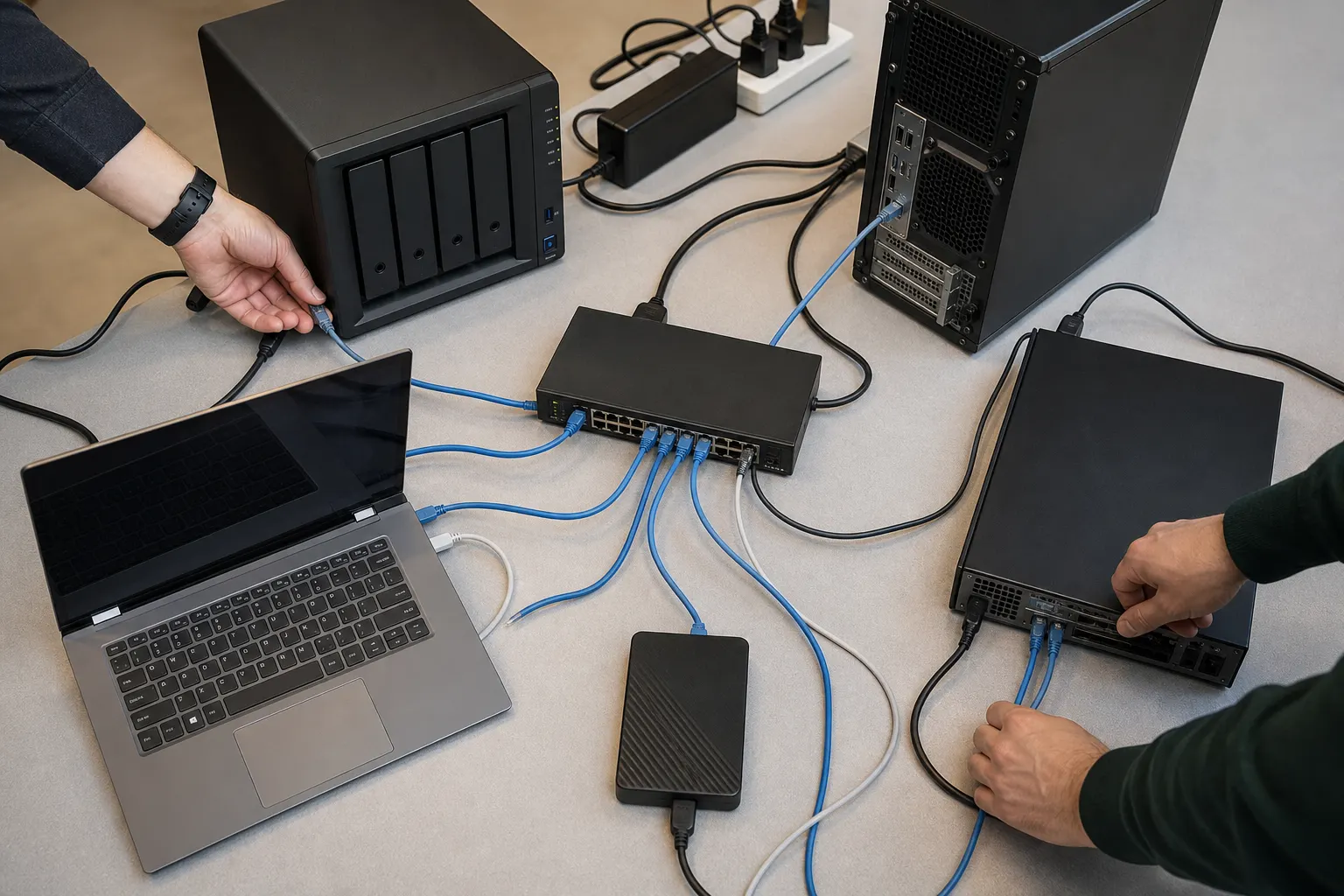
6 Best IBM Aspera Alternatives in 2026 (Compared)
Compare 6 IBM Aspera alternatives by setup, multipoint transfer, Synology NAS support, speed claims, public pricing, and best-fit workflow.

What Is WarpSend? Direct Transfer, Share Links, and Sync
WarpSend is encrypted file-transfer software for direct endpoint delivery, browser share links and cross-site folder sync. See where each mode fits.
Why Is FTP Slow Over Long Distance? Causes and Fixes
FTP can be fast for one large file, yet collapse on folders over a high-latency route. Learn why file count, RTT, loss, and TCP tuning change the result.